LP340/340B/350 Service Manual 79
Install the Serial Interface Utility on the Computer
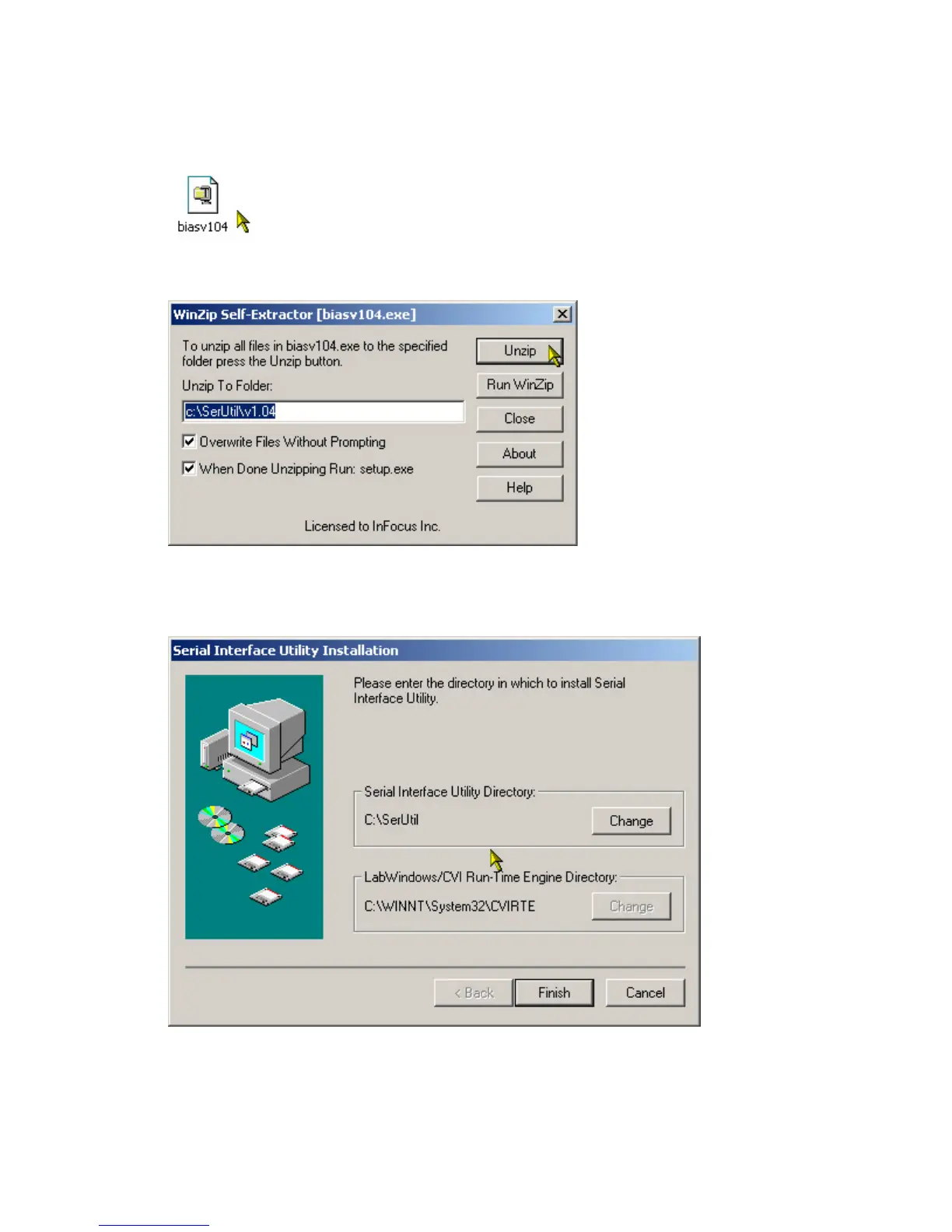
1 In Windows Explorer, navigate to the folder in which you stored the file you downloaded from the
InFocus web site, then double-click it to open it.
The WinZip Self Extractor dialog box appears.
2 Click Unzip, then click Close after the file unzips.
The Installation Wizard appears.
3 Follow the Installation Wizard to install Serial Interface Utility on your computer. When the Serial
Interface Utility installs, it adds a program group to the Start menu.



 To Next Page