Optimas System Operator Manual
Section 4: Device Description
The Utility Screen contains:
This function allows the user to adjust the System volume.
Drain water from the DiolazeXL, Vasculaze and Lumecca
Handpieces and System prior to shipment and fill water during
installation.
Change the password by entering the old password and then
entering another 4-digit password.
External validation module for optical Handpieces – DiolazeXL,
Vasculaze and Lumecca.
Return to the Main Menu to select an applicator.
After returning to the Menu Screen and choosing the application on the Menu
Screen, the corresponding Treatment Screen appears.
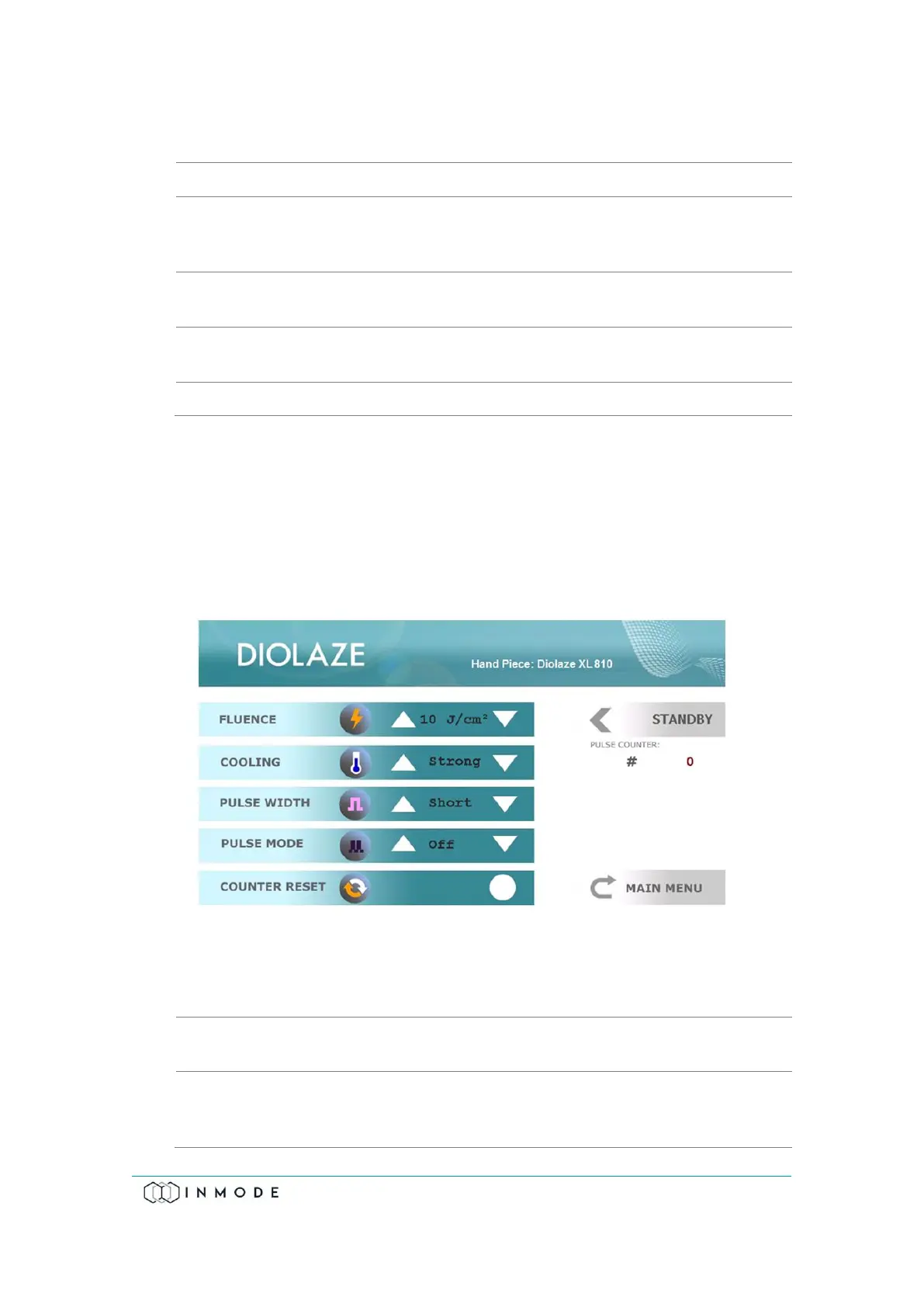
When choosing the DIODE icon on the Menu Screen, the System recognizes the
connected DiolazeXL Handpiece.
Figure 4-7: DiolazeXL Treatment Screen
The DiolazeXL Treatment Screen contains:
The frame selects parameters that can be changed by the
function keys.
Fluence (light energy density) is changed within the limits from
5 to 40J/cm² for DiolazeXL and the System starts up at the
minimal setting.



 To Next Page