Optimas System Operator Manual
Section 4: Device Description
Normal and Strong cooling, 12 and 7
o
C, respectively, can be
selected for DiolazeXL.
Short or Long pulse can be selected for DiolazeXL.
Pulse Mode
Note:
pps = Pulse Per
Second
Off (Single) 5-40J/cm2
1pps 5-40J/cm2
2pps 5-25J/cm2
Glide 5-10J/cm2
The Pulse Counter can be reset.
Shows the number of pulses delivered from the beginning of
the treatment.
The System has four treatment modes:
Standby mode - allows the user to set treatment parameters.
Activation of energy is not allowed in Standby mode.
Armed mode - when the Footswitch is pressed, before the hand
trigger.
Ready mode - when the System is waiting for a signal from the
trigger switch to activate the energy. Any attempt to change
the treatment settings switches the System to Standby mode.
Active mode - when the laser is pulsed by pressing the hand
trigger.
Return to the Main Menu to select another applicator and
change the applicator if needed.
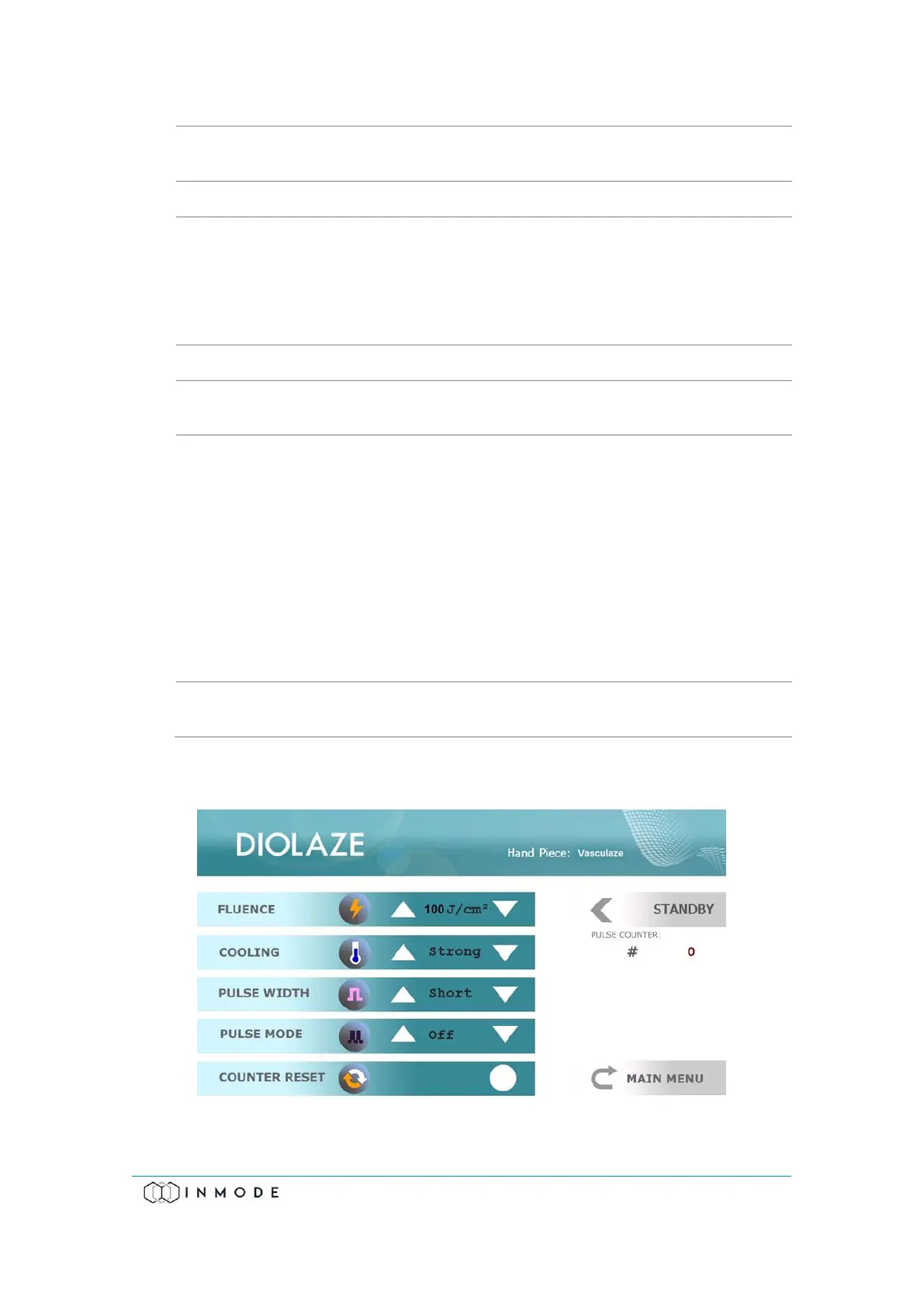
When choosing the DIODE icon on the Menu Screen, the System recognizes the
connected Vasculaze Handpiece.
Figure 4-8: Vasculaze Treatment Screen



 To Next Page