34 User’s Manual Innomar SES Parametric Sub-bottom Profilers
34 Innomar Technologie GmbH (2020-09)
The echo print area can be further increased by reducing or hiding the “Signal” and “Zoom” tabs.
For this the button (4) between the echo print tab and the “Signal” tab is used. Press and hold to
change the width; just press to hide the right part, press again to get the both tabs on the right
back.
The “Zoom” tab is new with SESWIN version 2.2.3.8. The depth range to zoom in can be adjusted
by moving the dotted lines (5) shown within the depth ruler. A click between the two dotted lines
will centre the zoomed range on the bottom track.
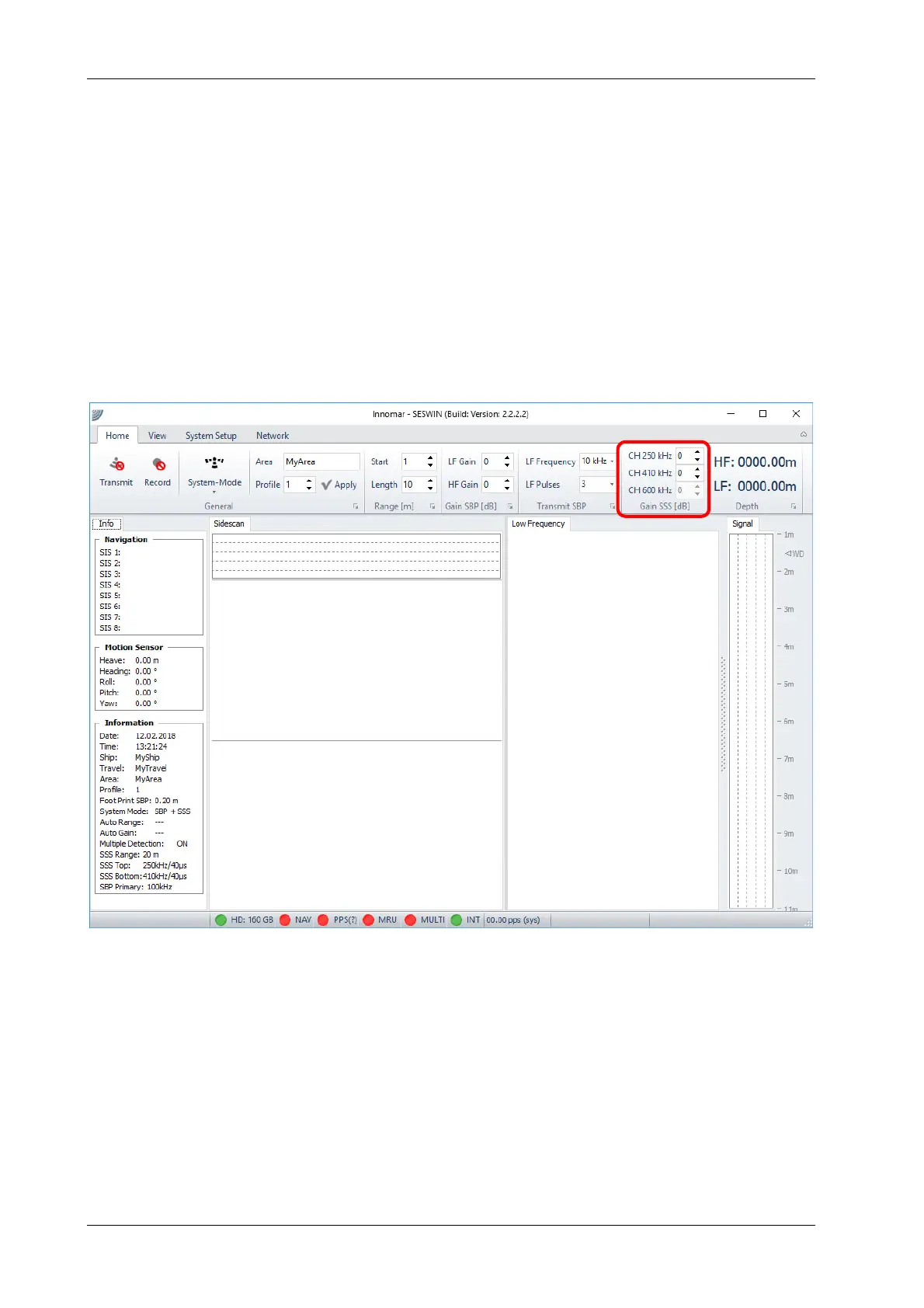
For the INNOMAR “light-plus” and “standard-plus” models the echo print area is divided according
to the system mode used (SBP only, sidescan only or SBP+sidescan). For sidescan gain settings
there is an additional section within the “Home” menu:
Sidescan signal window
Sidescan waterfall
(frequency 1)
Sidescan waterfall
(frequency 2)
SBP echo print



 To Next Page