72 User’s Manual Innomar SES Parametric Sub-bottom Profilers
72 Innomar Technologie GmbH (2020-09)
4.11.18 System Setup – Settings – Save Settings
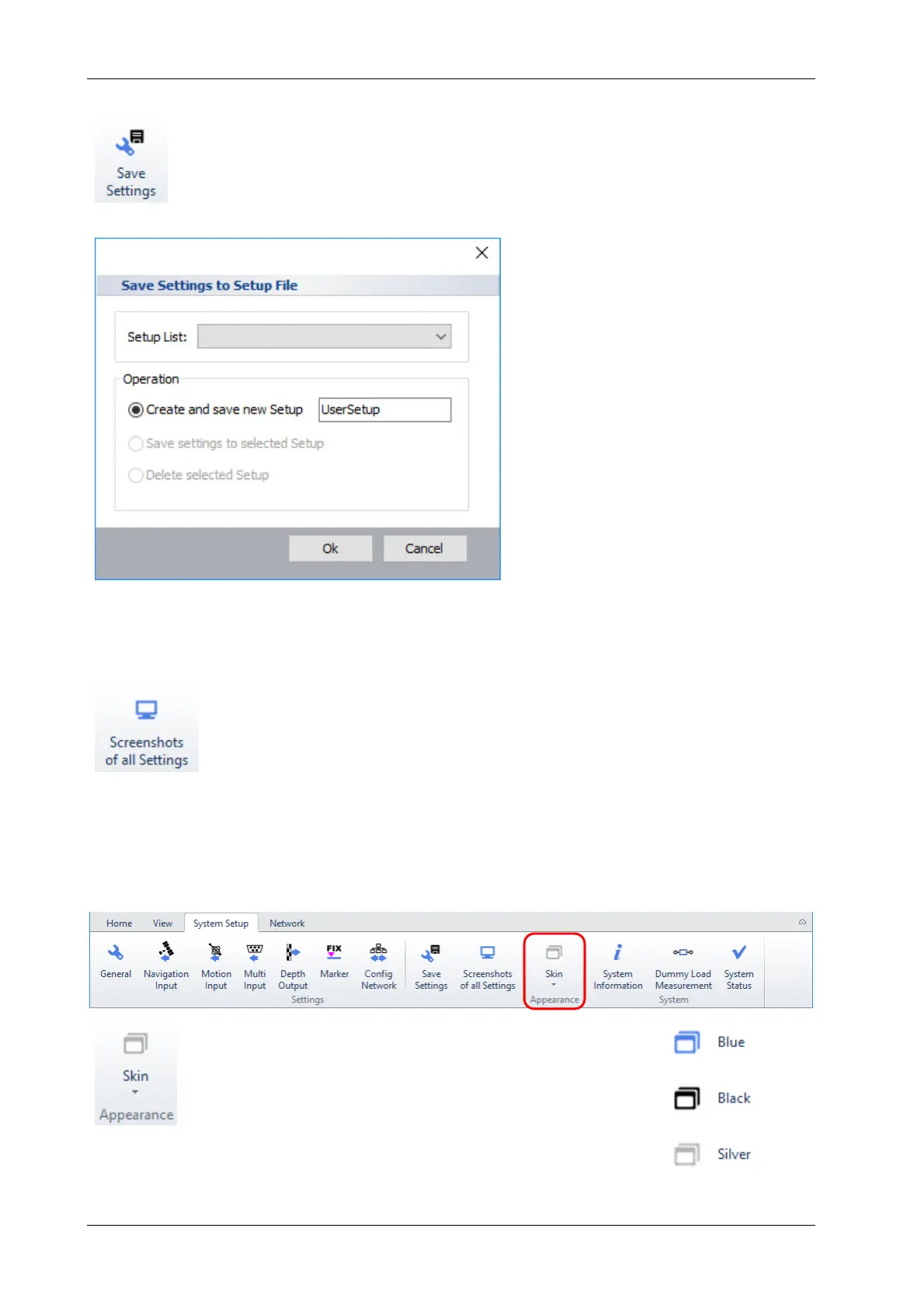
It is possible to save settings either specific for a survey type or preferred by
a user. These settings are available during SESWIN start-up, see section 4.2
on page 30.
4.11.19 System Setup – Settings – Screenshot of all Settings
This can be used to get screenshots of all system settings placed in the
SESWIN folder. Pictures are named with the dialog’s name and date/time.
This should be done if all parameters for a survey are set in order to complete
the documentation for further reference. Take care to re-do this if any settings
have changed.
4.12 SESWIN System Setup – Appearance
This is to change the colour scheme of the SESWIN ap-
plication to fit your needs or preferences.



 To Next Page