36 User’s Manual Innomar SES Parametric Sub-bottom Profilers
36 Innomar Technologie GmbH (2020-09)
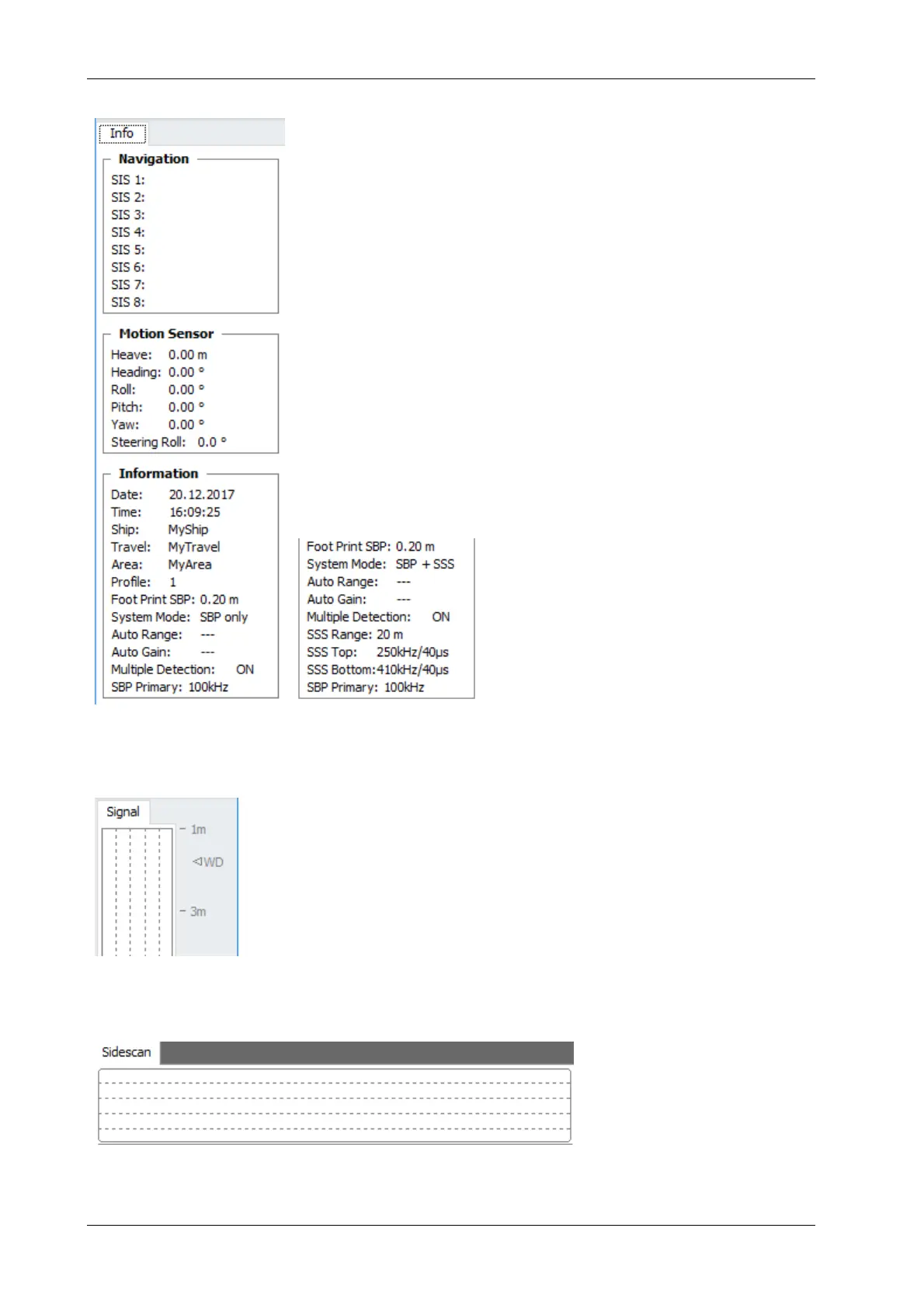
4.5 SESWIN Info Sidebar
On the left-hand part of the INNOMAR SESWIN application status in-
formation on external sensors and the SBP system is given:
Navigation data (up to eight info strings can be stored with the
INNOMAR data),
Motion sensor data (heave, roll, pitch; if available also head-
ing and yaw),
Date and time from the PC clock,
Data annotation like ship name, travel ID, area name, profile
number,
SBP foot print diameter,
System status information like operation mode.
For the INNOMAR “light-plus” and “standard-plus” models, the “Infor-
mation” tab also lists sidescan related items:
4.6 SESWIN SBP Signal Display and Depth Ruler
The depth ruler shows the SBP data acquisition range. Note that data
outside this range will not be collected.
The “Signals” window shows the envelope (amplitude) data of the
last received ping (black HF and red LF data). This is an excellent
tool to optimize the gain settings.
4.7 SESWIN Sidescan Signal Display (“light-plus” / “standard-plus”)
This is for “light-plus” and “standard-plus” models only!
Similar to the SBP signal dis-
play, the envelope amplitude
of the last received sidescan
ping is shown as well to have
feedback for gain settings.



 To Next Page