5G INDOOR ROUTER FG2000e USER GUIDE 20
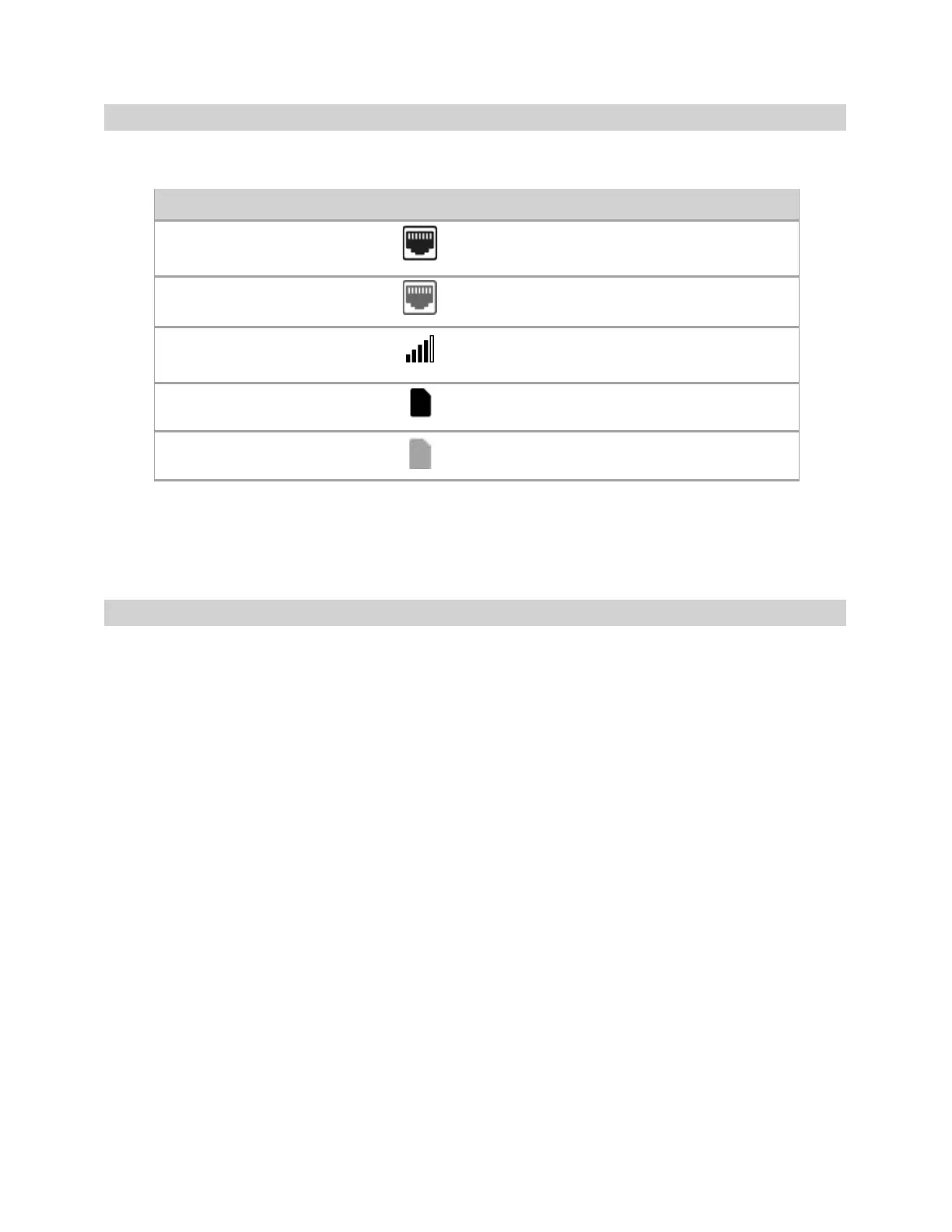
Header Icons
The top of each FG2000e Admin Web UI page displays status indicators and icons.
opt.
NOTE: Status indicators and icons shown in the example screens in this guide may not be visible to all
users, depending on feature support.
Getting Help
Select the question mark (?) in the upper right hand corner of a page to view Help on that topic.
Disabled/Offline/No Physical Connection
Network Signal Strength Indicator. More bars
indicate more signal strength.



 To Next Page