5G INDOOR ROUTER FG2000e USER GUIDE 72
MAC Filter Tab
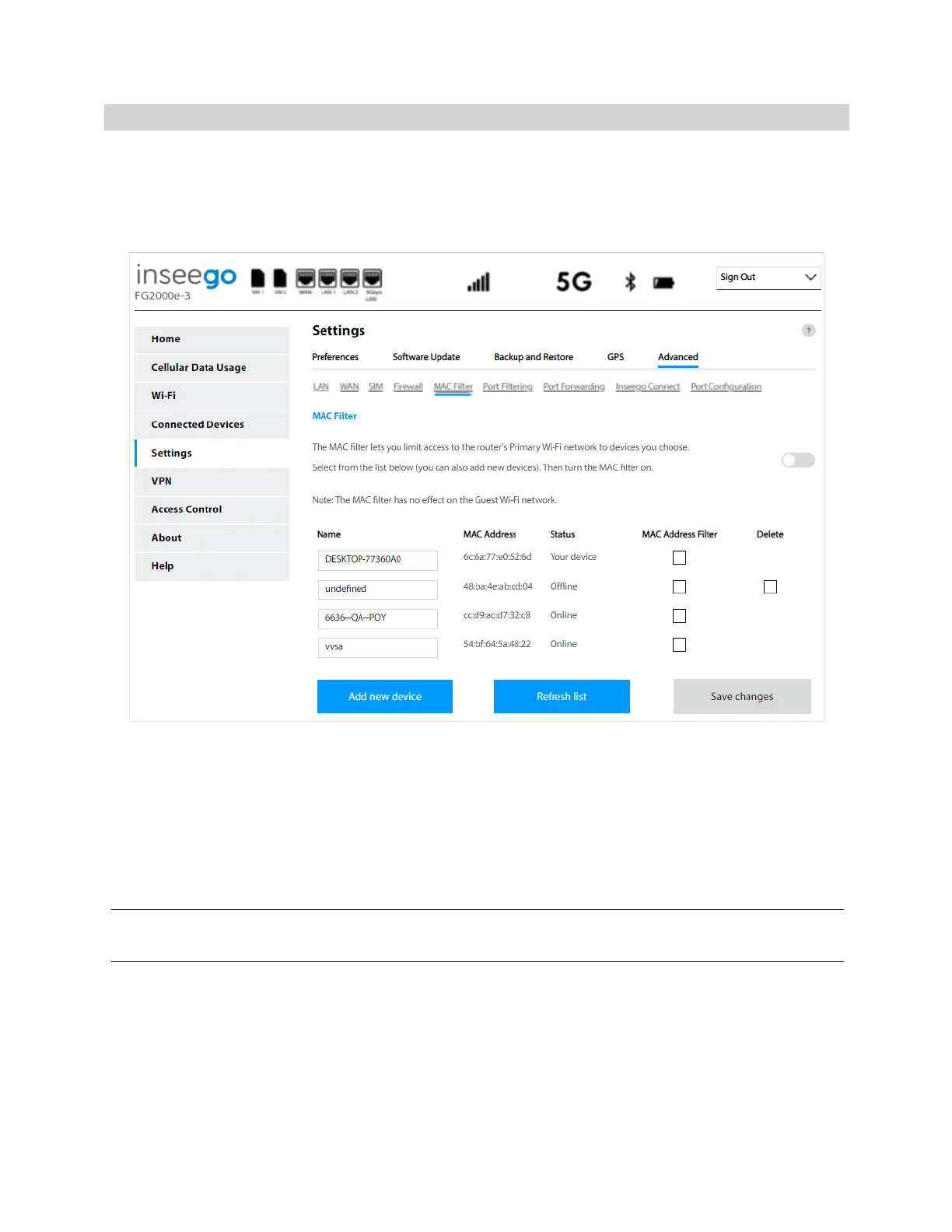
The MAC filter allows only selected devices to access the 5G Indoor Router primary Wi-Fi network. By
default, MAC filter is turned off.
Use this tab to turn the MAC Filter on and specify device access.
NOTE: The MAC filter has no effect on devices connected to the guest Wi-Fi network or devices
connected via Ethernet.
MAC Filter
To use the MAC filter, select the device(s) from the device list that you want to be allowed to connect
to the primary network and move the ON/OFF slider to ON. Click Save changes.
CAUTION! Turning on MAC filtering immediately disconnects all devices that are not included in the
filter from the primary network.
Device List
This list includes all devices currently connected to the router, except those connected via Ethernet.
Add new device: Use this button to add a device to the device list, then enter the device name, MAC
address, choose whether to select the MAC Address Filter checkbox, and click Save changes.
To delete a device from the list, select its Delete checkbox and click Save changes.



 To Next Page