5G INDOOR ROUTER FG2000e USER GUIDE 77
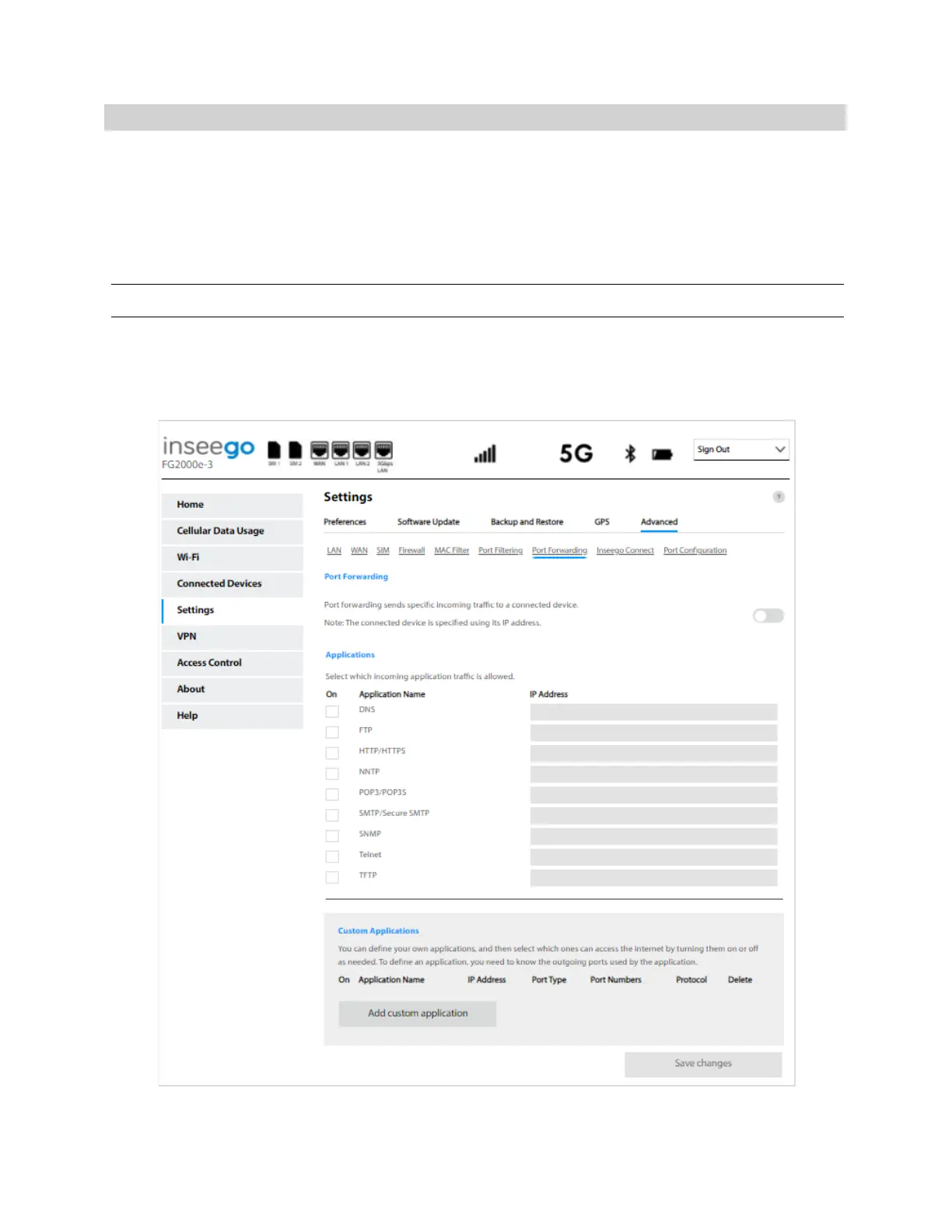
Port Forwarding Tab
Port Forwarding allows incoming traffic from the Internet to be forwarded to a particular device
connected to your Wi-Fi network. Normally, the built-in firewall blocks incoming traffic from the
Internet. Port forwarding allows Internet users to access any server you are running on your computer,
such as a Web, FTP, or Email server. For some online games, port forwarding must be used in order for
the games to function correctly.
Important: Port forwarding creates a security risk and should not be turned on unless it is required.
Some mobile networks provide you with an IP address on their own network rather than an Internet IP
address. In this case, Port Forwarding cannot be used, because Internet users cannot reach your IP
address.



 To Next Page