5G INDOOR ROUTER FG2000e USER GUIDE 80
Inseego Connect Tab
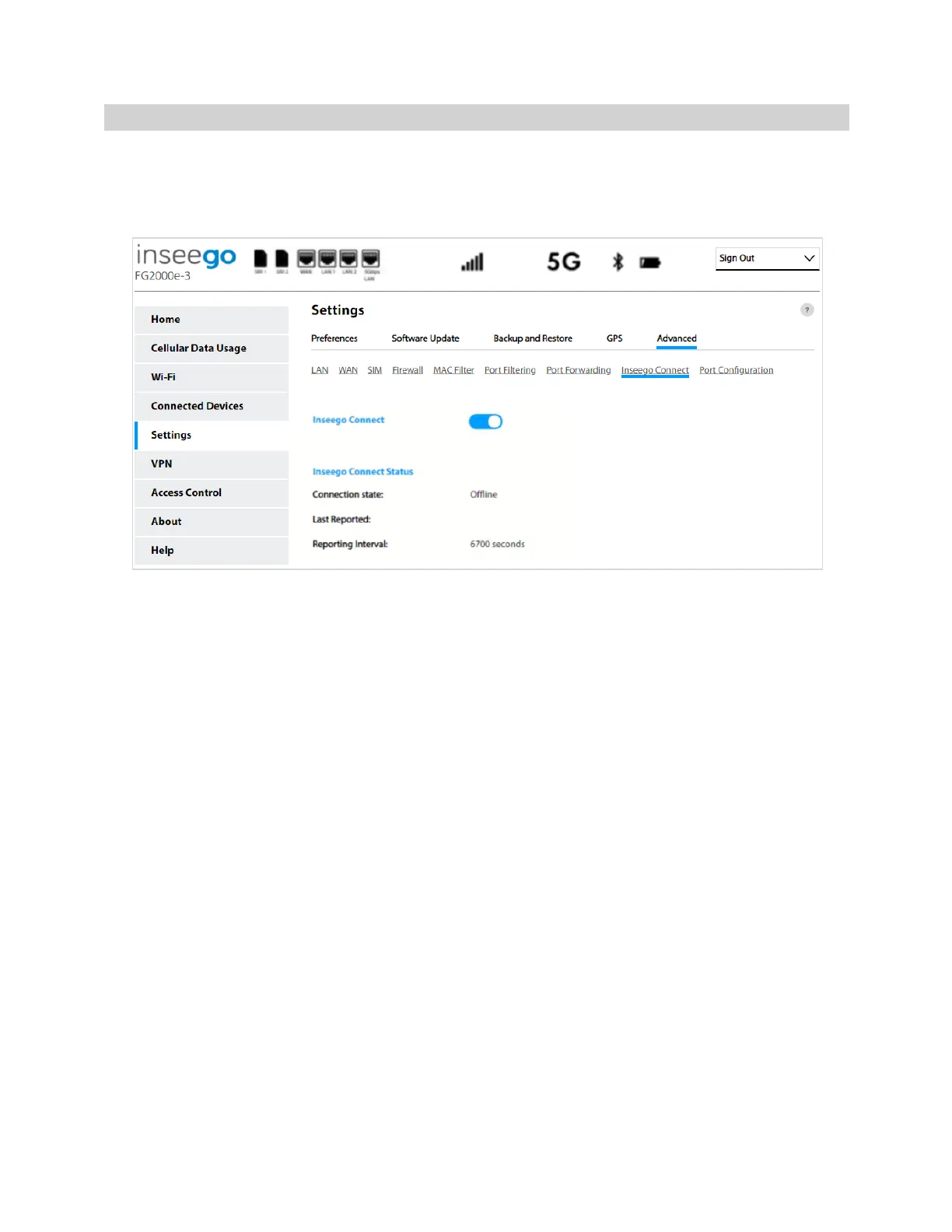
Use this page to enable and configure settings for connection with Inseego Connect. Inseego Connect
is a cloud platform product that provides 360 degree visibility and secure accessibility into your
deployment from a single platform.
Inseego Connect
By default, the connection to Inseego Connect is ON. Slide the ON/OFF slider to OFF if you wish to
disable the connection.
Inseego Connect Status
Connection State: The status of the connection between your FG2000e and Inseego Connect servers.
Last Reported: The time when FG2000e last sent a packet to Inseego Connect servers.
Reporting Interval: This is the interval at which your FG2000e will send packets to the Inseego
Connect server. NOTE: A shorter interval means more data usage.



 To Next Page