5G INDOOR ROUTER FG2000e USER GUIDE 70
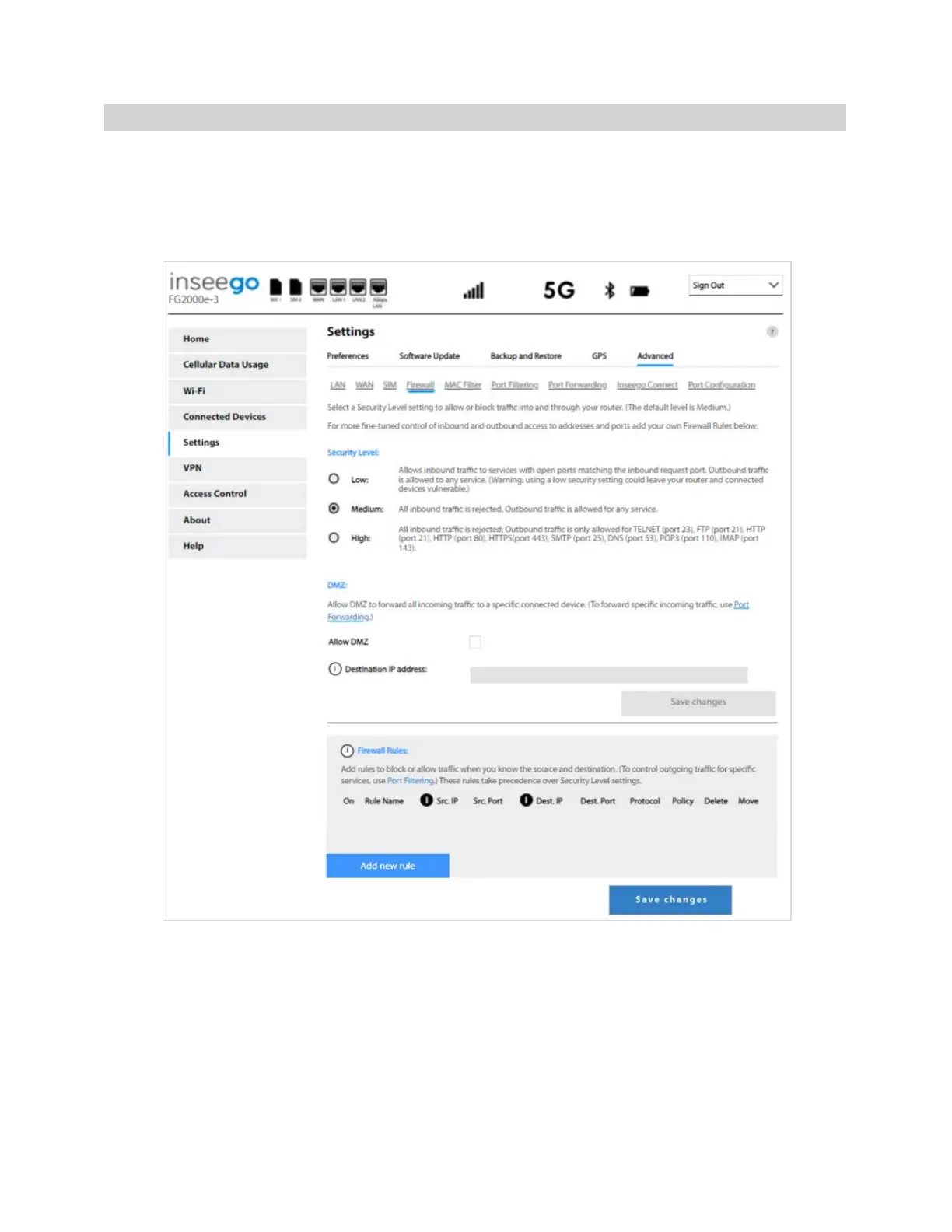
Firewall Tab
The 5G Indoor Router firewall determines which Internet traffic is allowed to pass between the router
and connected devices and protects your connected devices from malicious incoming traffic from the
Internet. The firewall cannot be turned off. Use the Firewall tab to adjust the general security level of
the firewall, designate a specific device to receive all traffic, and set up specific firewall rules.
NOTE: When IP Passthrough is turned on, firewall capabilities are set through the connected host
routing system. Settings on this page are not available. Go to Advanced > LAN > IPPT and turn IP
Passthrough off.



 To Next Page