5G INDOOR ROUTER FG2000e USER GUIDE 24
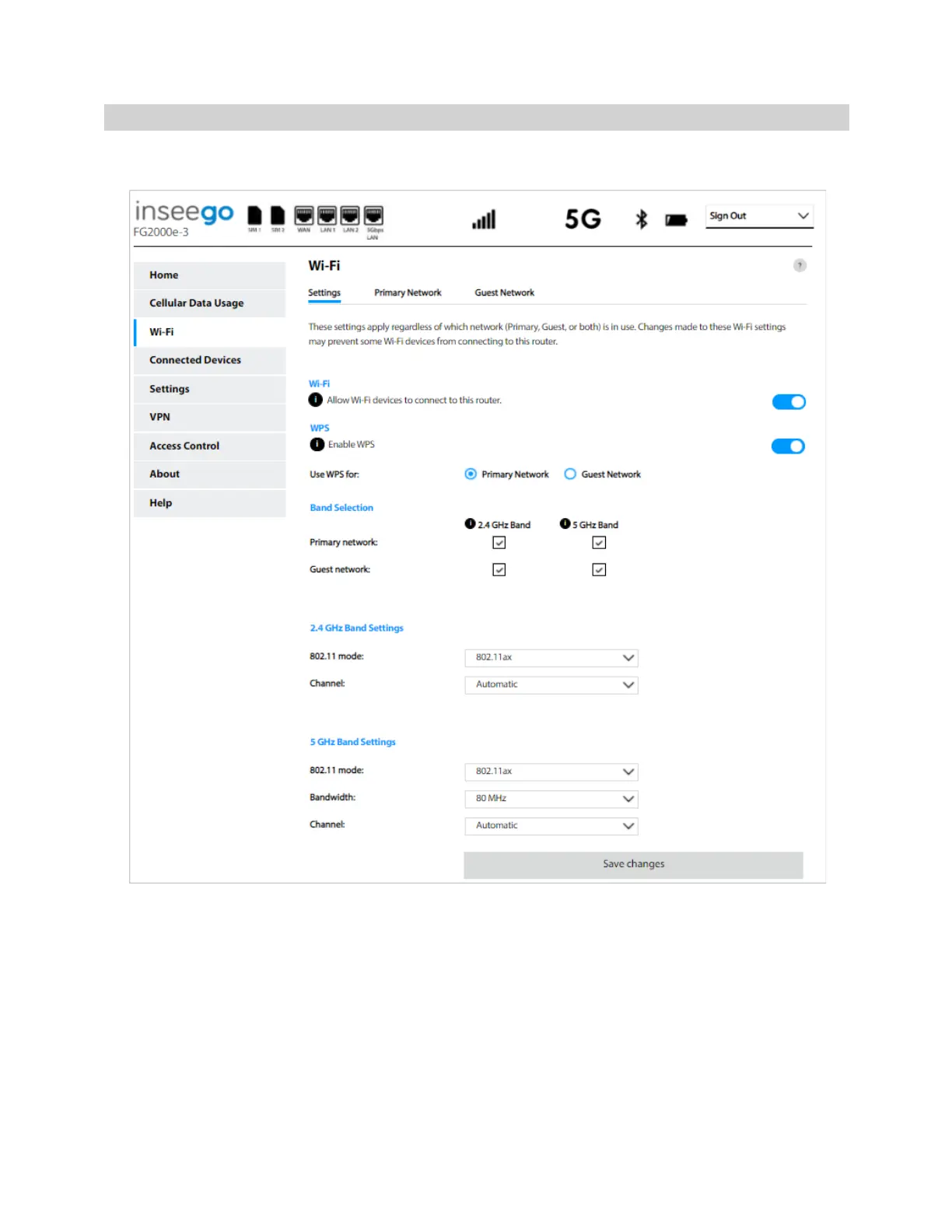
Settings Tab
You can use the default values as they appear on this tab, or can adjust them for your environment.
NOTE: When IP Passthrough is turned on, Wi-Fi networking capabilities are set through the connected
host routing system. Settings on this page are not available. Go to Advanced > LAN > IPPT to turn IP
Passthrough off.
Wi-Fi
Use the Allow Wi-Fi devices to connect to this router slider to turn Wi-Fi on or off. This selection
affects primary and guest networks. NOTE: If Wi-Fi is off, the only way to connect devices to the 5G
Indoor Router is with an Ethernet cable.
WPS



 To Next Page