5G INDOOR ROUTER FG2000e USER GUIDE 36
Software Update History
This section displays details of the last updates that have been downloaded and installed to this
device. If no updates have been installed, this section is not displayed.
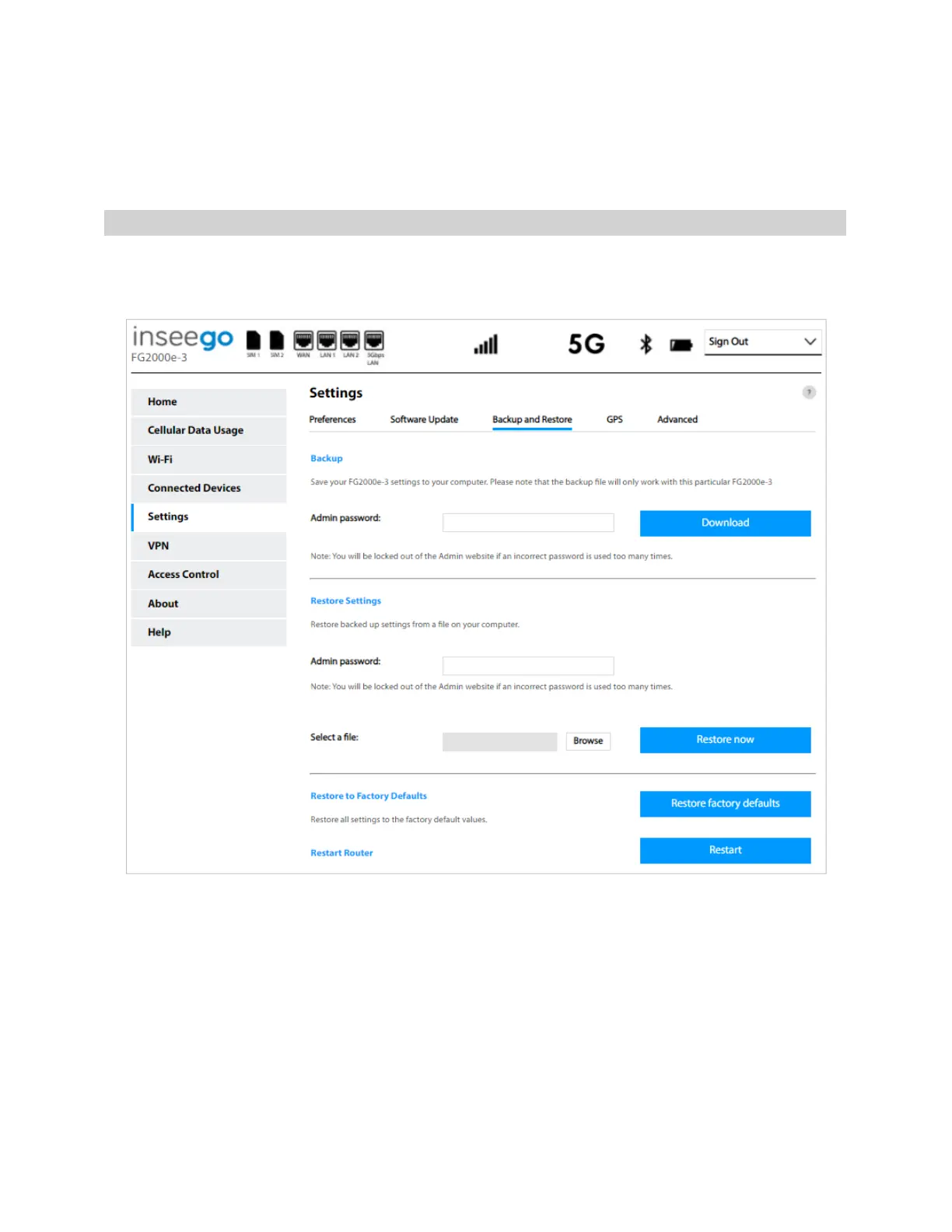
Backup and Restore Tab
Use this tab to back up current 5G Indoor Router settings to a file on your computer, restore (upload) a
previously-saved configuration file, reset the router to factory defaults, or restart the router.
Backup
To back up current 5G Indoor Router settings to a file on your computer, enter your Admin password
in the Admin password field.
The default Admin password is printed on the bottom of the router. If you have changed the Admin
password and don’t remember it, select Sign In in the top-right corner of the Home page, click I
forgot the Admin password, and answer the displayed security question. The current Admin
password will be displayed.
NOTE: If you enter an incorrect password five times in a row, you will be locked out of the Admin Web
UI. To unlock it, restart your router.



 To Next Page