5G INDOOR ROUTER FG2000e USER GUIDE 23
Managing Wi-Fi Settings
Your 5G Indoor Router offers primary and guest networks for accessing the Internet over Wi-Fi. Each
network can be accessed over two bands: 2.4 GHz and 5 GHz.
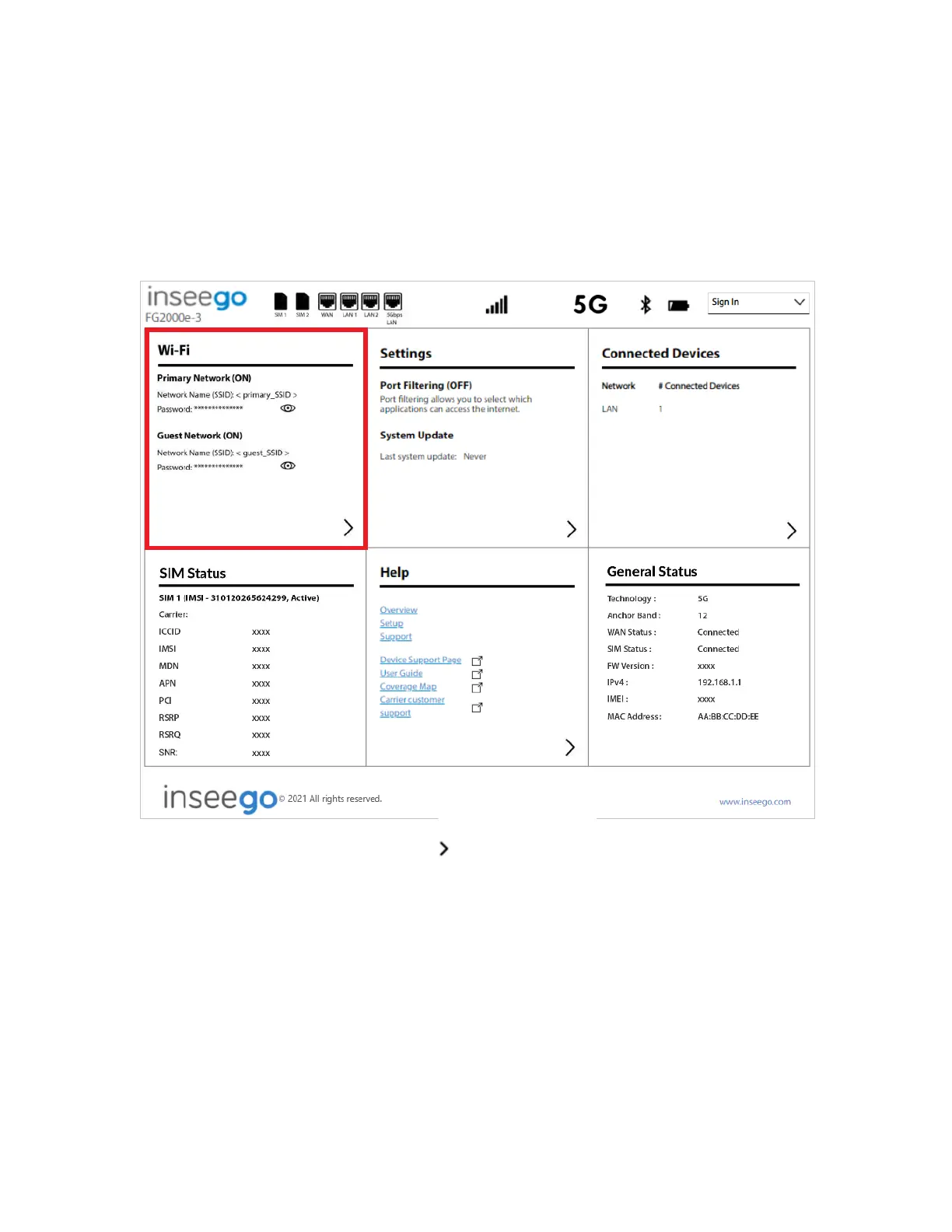
On the Admin Web UI Home page, the Wi-Fi panel shows the current name (SSID) and password of the
primary and guest networks.
To manage settings for these networks, select from the Home page Wi-Fi panel (or select Wi-Fi from
the side menu).
The Wi-Fi page includes three tabs:
• Settings
• Primary Network
• Guest Network



 To Next Page