5G INDOOR ROUTER FG2000e USER GUIDE 74
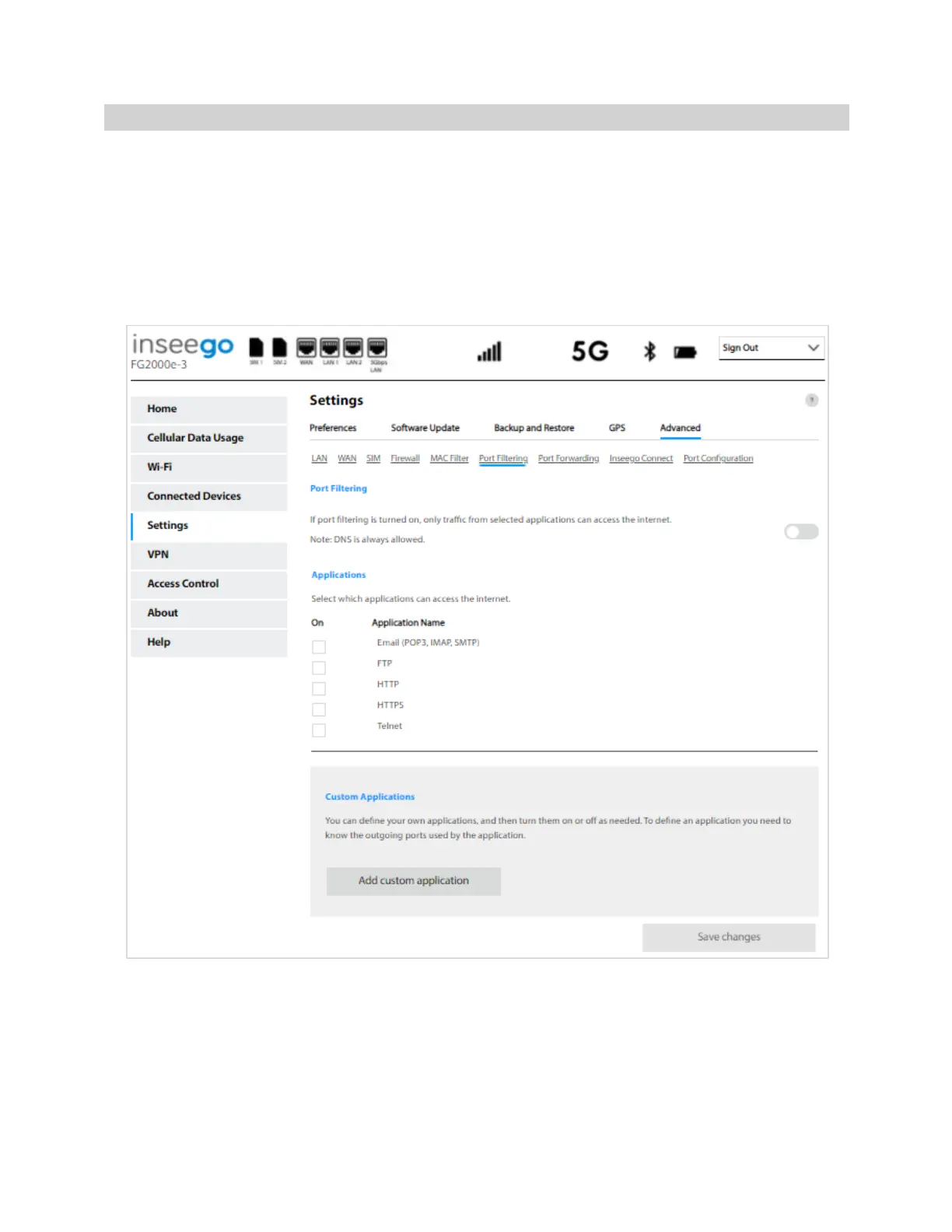
Port Filtering Tab
Port Filtering allows you to block outgoing Internet connections and permit only selected applications
to access the Internet. Traffic is identified by port numbers. Some applications are pre-defined. You
can define additional applications if you know the details of the traffic used and generated by the
applications.
NOTE: You can also view the current Port Filtering setting (ON/OFF) in the Settings panel on the
Admin Web UI Home page.
NOTE: When IP Passthrough is turned on, port filtering capabilities are set through the connected host
routing system. Settings on this page are not available. Go to Advanced > LAN > IPPT to turn IP
Passthrough off.
Port Filtering
To turn on port filtering, move the ON/OFF slider to ON. To turn off port filtering, so that any
application can connect to the Internet, move the slider to OFF.



 To Next Page