5G INDOOR ROUTER FG2000e USER GUIDE 30
Managing Connected Devices
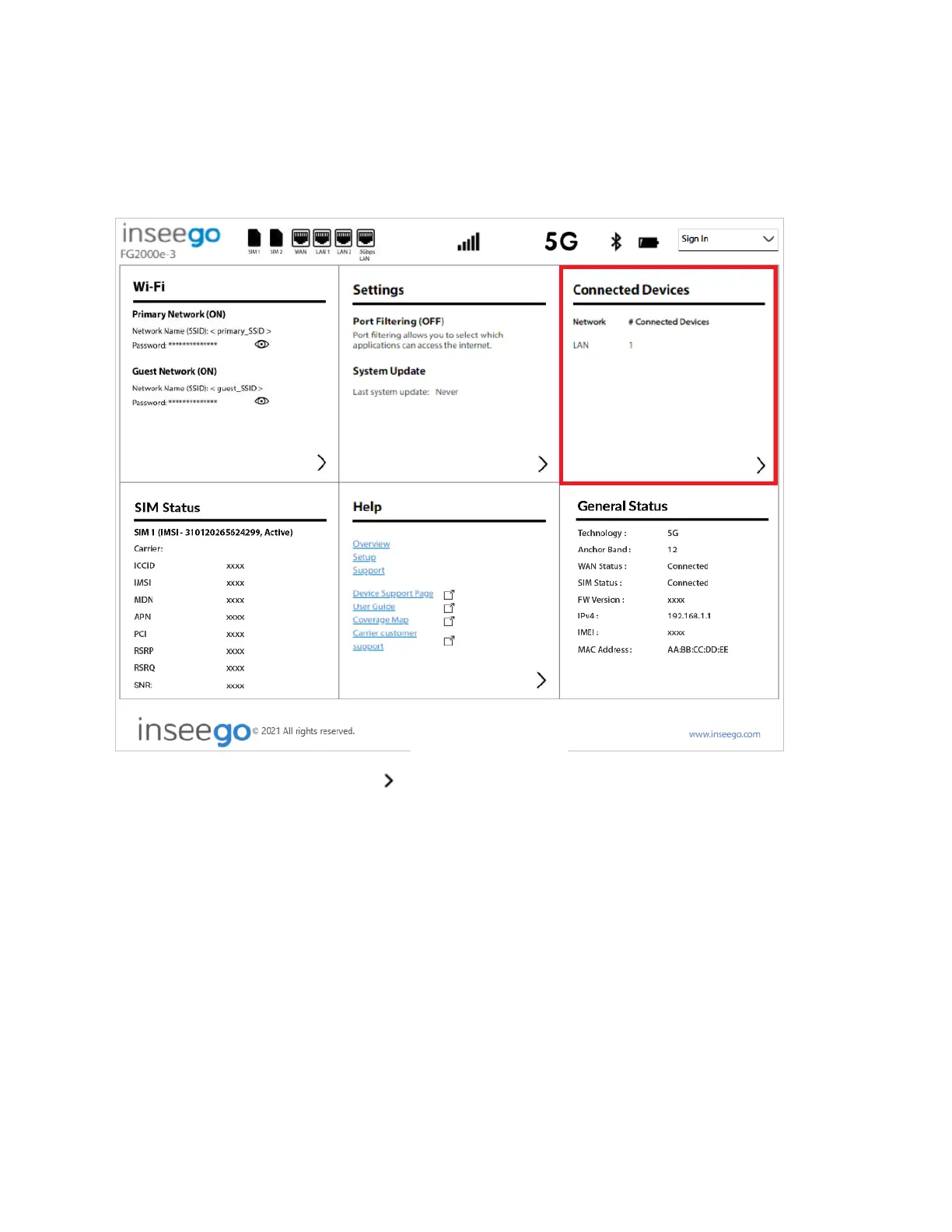
On the Admin Web UI Home page, the Connected Devices panel lists the networks currently
connected to your 5G Indoor Router along with the number of connected devices for each network.
To manage connected devices, select from the Home page Connected Devices panel (or select
Connected Devices from the side menu).



 To Next Page