5G INDOOR ROUTER FG2000e USER GUIDE 38
GPS Tab
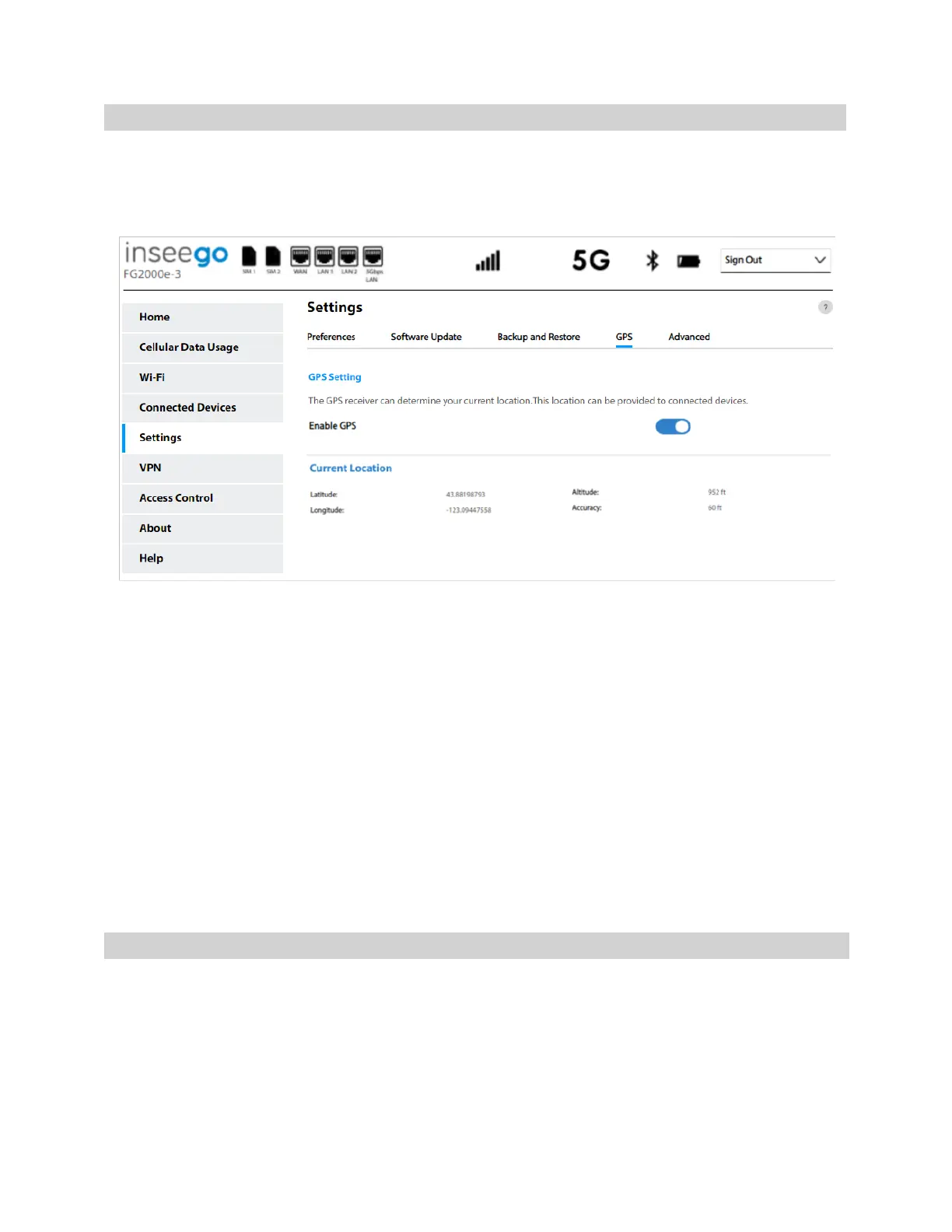
The 5G Indoor Router incorporates a GPS receiver. The GPS receiver can determine your current
location. Use this tab to enable GPS, view current location information, and to enable GPS streaming
to devices with the GPS over Wi-Fi feature.
GPS Settings
Enable GPS: This setting enables or disables the GPS radio on your 5G Indoor Router. When the
ON/OFF slider is ON, the device acquires GPS and makes GPS location data available on this page. A
GPS Agreement appears, click Confirm to proceed. When OFF, no GPS data is available.
Current Location
Latitude: Latitude for the last location fix.
Longitude: Longitude for the last location fix.
Altitude: Altitude for the last location fix.
Accuracy: A measure of the accuracy of the horizontal position obtained by the GPS receiver.
Advanced Tab
Advanced settings are intended only for users with advanced technical knowledge. For information
about the Advanced Settings page, go to Chapter 4, Advanced Settings on page 55.



 To Next Page