5G INDOOR ROUTER FG2000e USER GUIDE 43
Managing Access Control
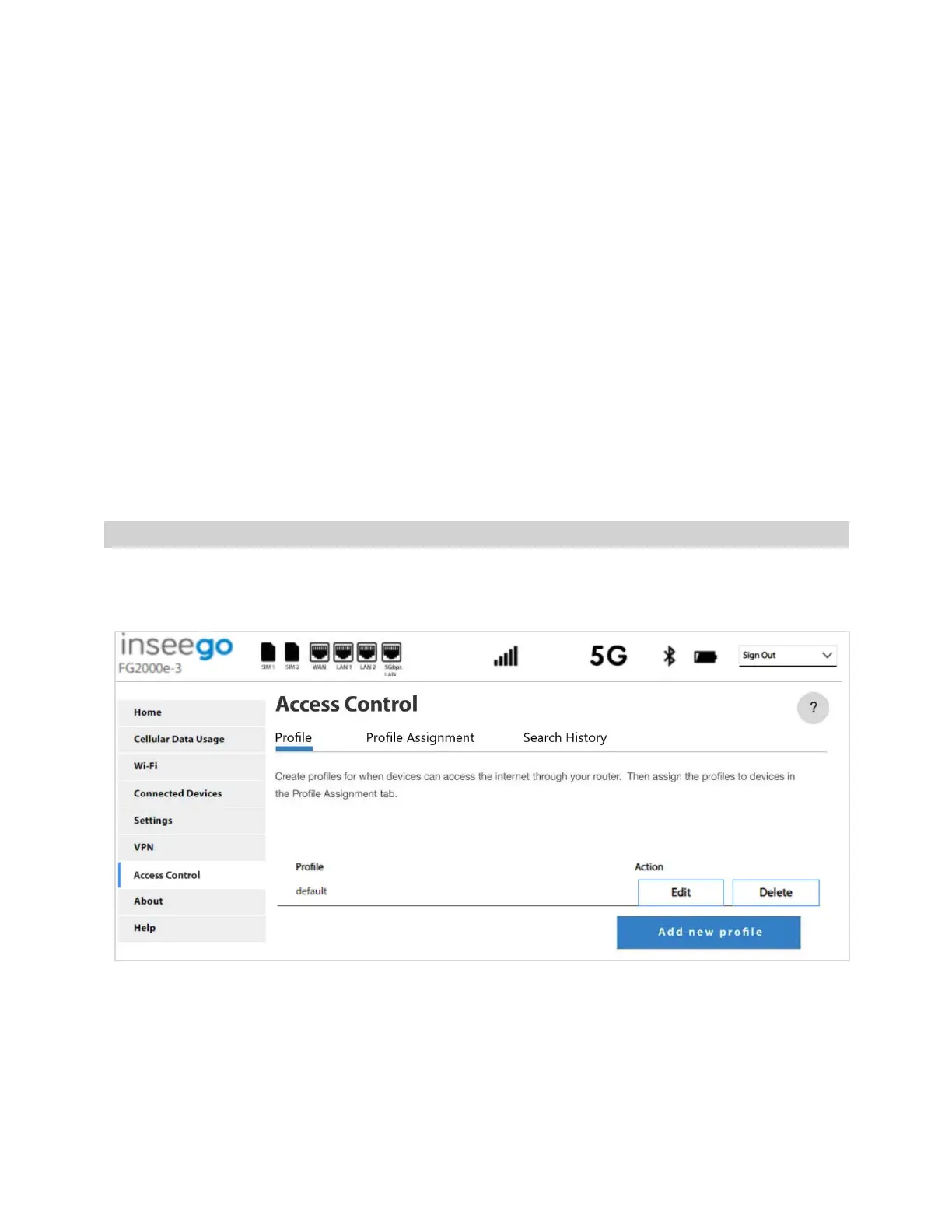
Access control allow you to control Internet access to specific devices. You can set up multiple profiles
for Internet access on the Profile tab and assign them to individual connected devices on the Profile
Assignment tab. You can view search history on the Search History tab.
NOTE: When IP Passthrough is turned on, access control capabilities are set through the connected
host routing system. Access Control settings are not available on the Web UI. Go to Advanced > LAN
> IPPT to turn IP Passthrough off.
To manage access control, select Access Control from the side menu.
The Access Control page includes the following tabs:
• Profile
• Profile Assignment
• Search History
Profile Tab
Use the Profile tab to create and manage profiles that determine when devices can access the Internet
through your 5G Indoor Router.



 To Next Page