5G INDOOR ROUTER FG2000e USER GUIDE 46
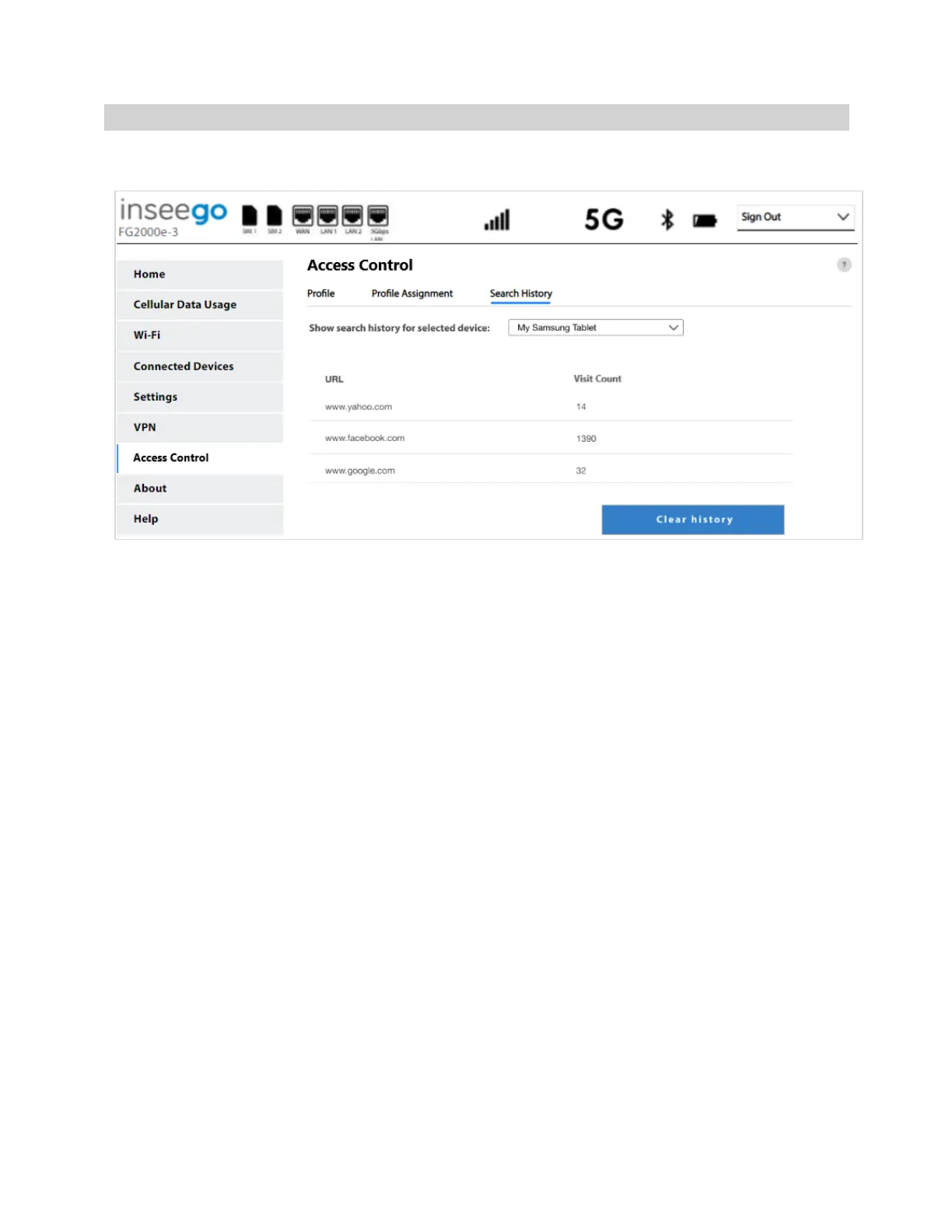
Search History Tab
Use this tab to view Internet search history for devices connected through your 5G Indoor Router.
NOTE: You must first create a profile on the Profile tab and check the URL Search History check box.
Then you must assign the profile to a device on the Profile Assignment tab.
You can view all the URLs the selected device visited and the number of visits for each URL for the past
15 days.
Select Clear history to clear the displayed search history.



 To Next Page