5G INDOOR ROUTER FG2000e USER GUIDE 63
WAN Settings (Inseego Connect)
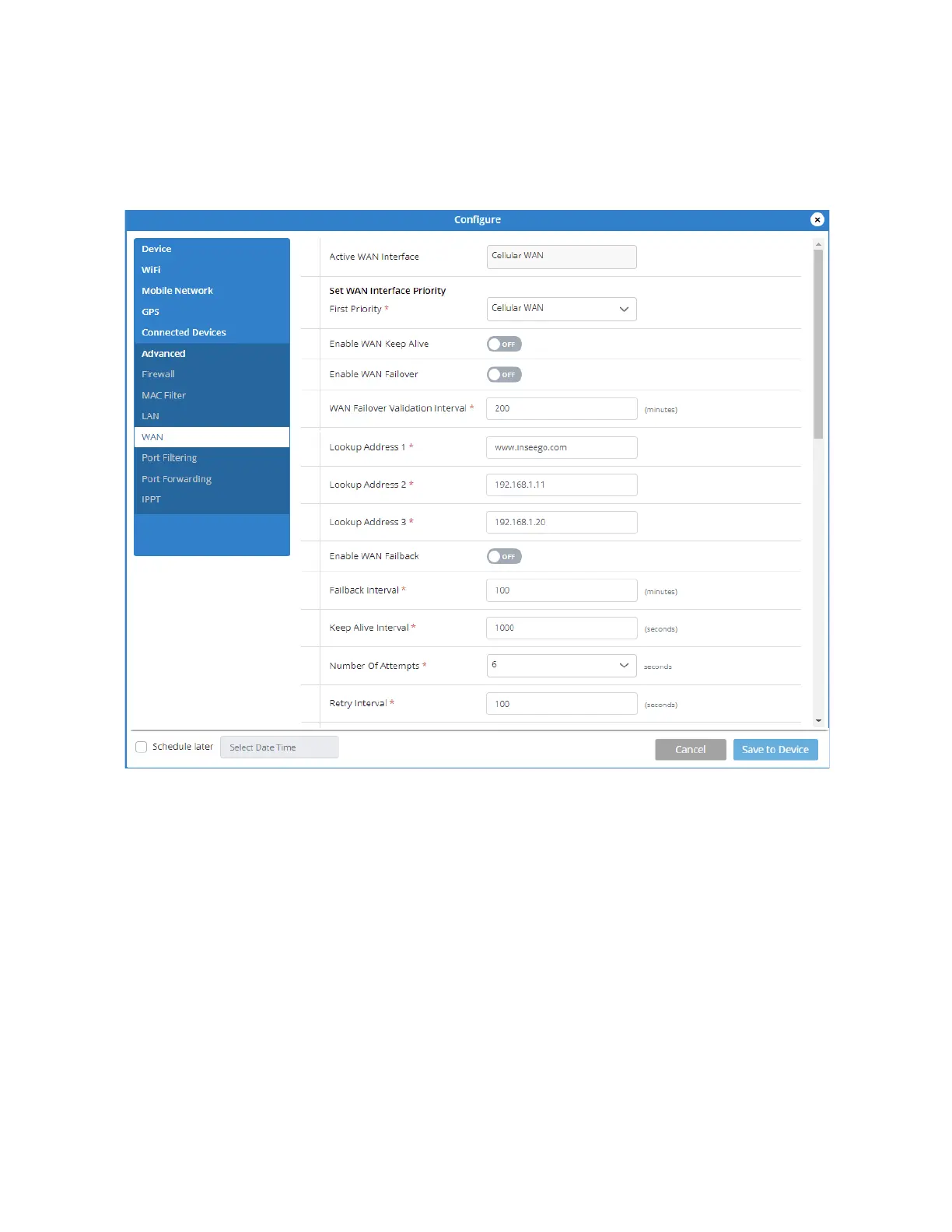
Use these settings in Inseego Connect to enable and configure WAN keep alive, WAN failover, and
WAN failback.
Active WAN interface: The current active WAN interface (Cellular WAN or Ethernet WAN).
First Priority: Select either Cellular WAN or Ethernet WAN to set as the active WAN interface.
If Cellular WAN is selected:
Enable WAN Keep Alive: If ON, keep alive verifies lookup addresses to check the internet
connectivity on the WAN connection.
Enable WAN Failover: When enabled, WAN failover tests your WAN connections and reroutes
network traffic to another connection if one fails.
WAN Failover Validation Interval: The frequency at which the primary WAN connection is
checked for failover.
Lookup Address 1: Enter the first IP address to verify the WAN connection.



 To Next Page