VN415 / VO425 Instructions for Use - English
Date: 2010-12-20 Page 6
Move the sliders to adjust the image brightness in enlaged eye view mode (opened by right-
clicking the eye image).
The eye tracker will have optimal working conditions on images with significant contrasts between
the pupil and the iris.
Change test configuration
When a test has been selected the configuration of the test can be changed using the button.
Alternately, the eye position graphs can be double clicked on. In the dialogue box that is displayed,
test/graphs/analysis/stimulation/calibration parameters can be changed.
Change nystagmus identification
The thresholds by which nystagmus analysis is determined and the sensitivity of slow phase detection
can be set in the configuration dialogue under analysis. If changes in these values are to be saved
the button can be used. If changes are not saved and to use the last saved changes
press the button.
Record different traces
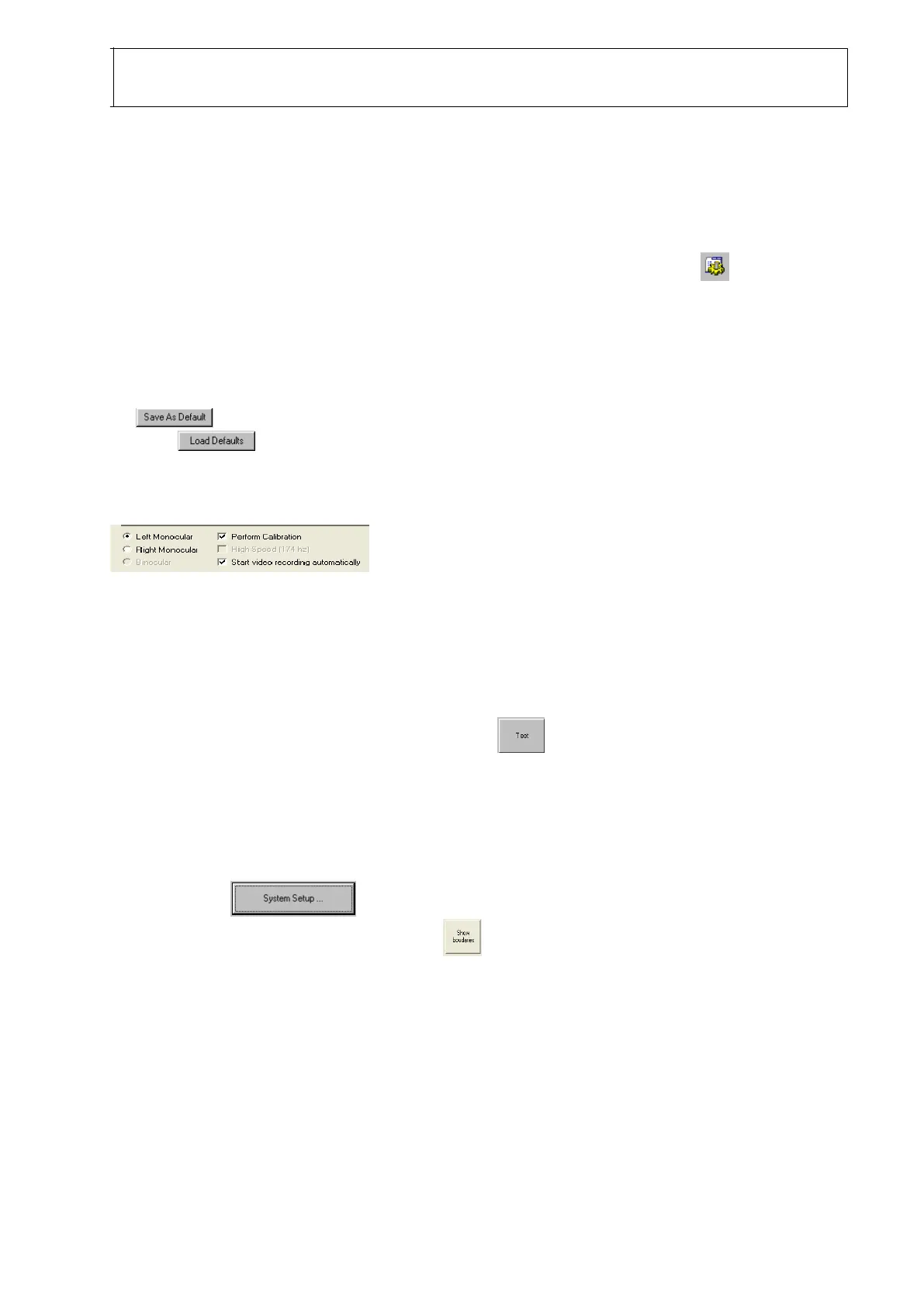
To record different eye traces check the appropriate radio button in the test panel
section of the Configuration screen.
Changes to oculomotor stimuli (only with VO425)
Changes can be made to the Oculomotor stimuli characteristics in the stimulus leaf of the configure
screen.
Testing Oculomotor Stimuli (only with VO425)
Stimuli can be previewed without recording by using the button within the Configuration/Stimuli
screen.
Changes to geometry of test environment (only with VO425)
The geometry of the test environment can be changed to accommodate different test situations. To
change these settings new horizontal, vertical and distance from eye to display measurements must
be entered in the dialogue. An outline from which to measure the vertical and
horizontal projection sizes can be given with the button.














 To Next Page