Working with ENG: EO425 Page 28
ENG/DLB Instruction for Use - English
Date: 2011-09-27 Page 28
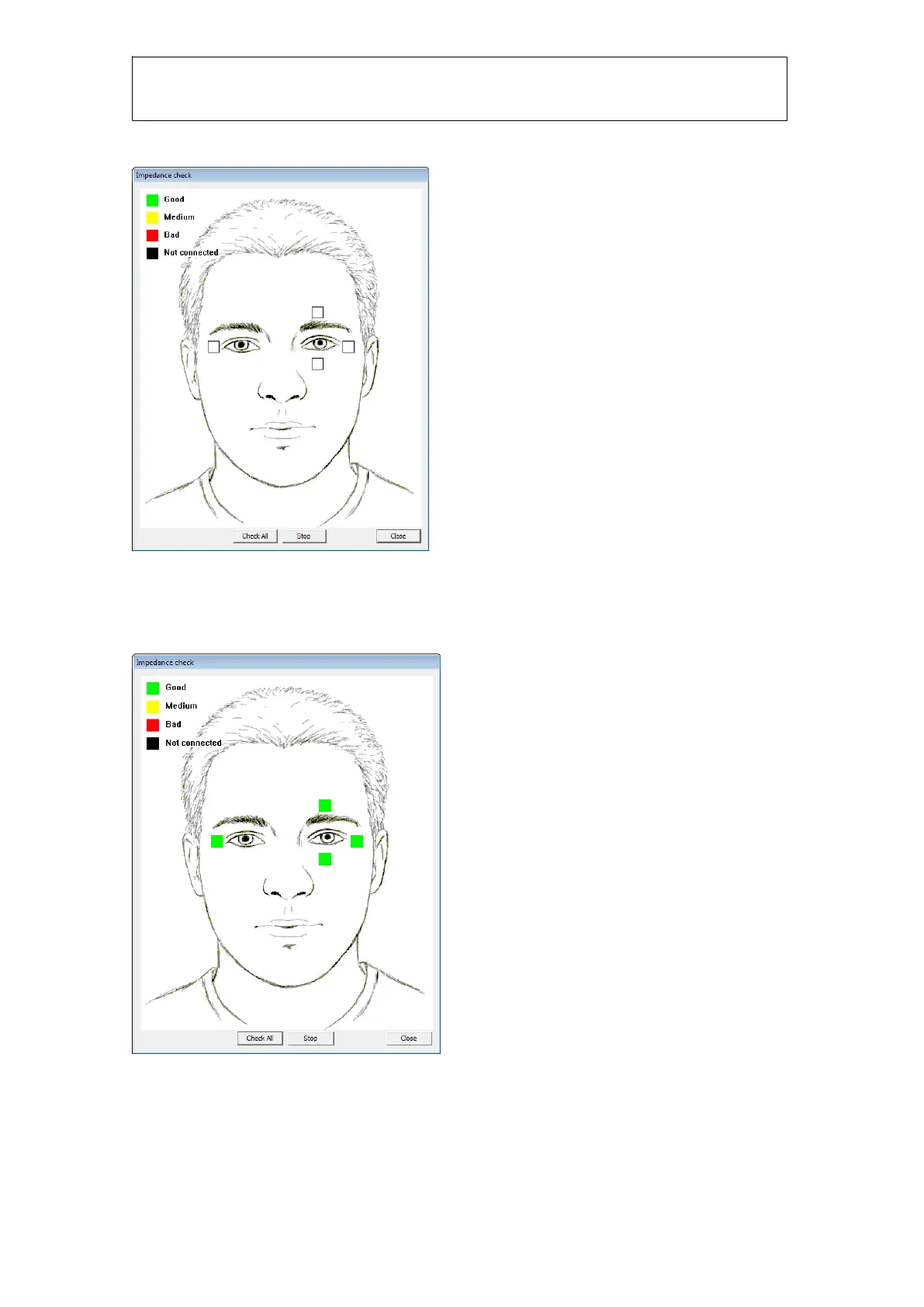
Click on the Impedance button to start impedance test:
Figure 1.15 Impedance Check box
The white squares indicate the measured impedance. Click “Check All” to measure impedance on
all electrodes. If all electrodes have impedances within tolerance, then you will have all green
squares:
Figure 1.16 Impedance check complete
Green and yellow indicate acceptable. Red and black indicate unacceptable impedances. Click
close to return to calibration dialog.














 To Next Page