Working with ENG: EO425 Page 34
ENG/DLB Instruction for Use - English
Date: 2011-09-27 Page 34
With this change, the minimum amplitude of the fast phases of nystagmus will now have to be
higher before the software will detect and mark beats of nystagmus. It is recommended that this
minimum be left at the default setting of 1° when performing VNG recordings.
You can also adjust the minimum time of the slow phase that is required for a beat to be detected.
100ms - 200ms is appropriate if you experience noise tracings.
Figure 1.28 Same recording after increasing the minimum amplitude of fast phase
Switching between ENG and FireWire® VNG
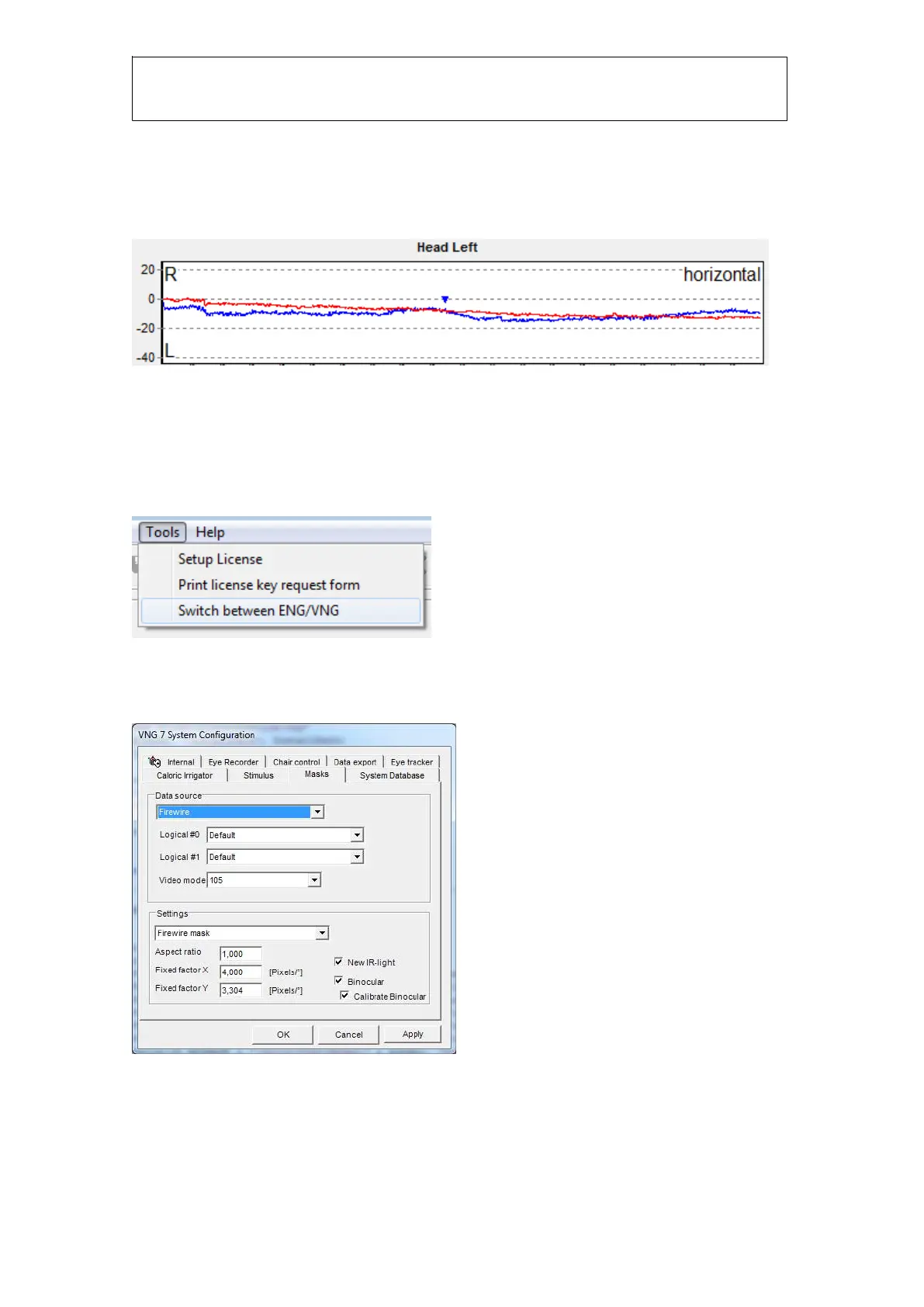
To switch between ENG and Firewire
®
VNG, click on Tools from the top menu bar and select
‘Switch between ENG/VNG”.
Figure 9129 Switch between ENG/VNG
This may also be accomplished by exiting VNG and going to System Configuration under the
Masks tab. Select Firewire
®
in the Data Source-section and click OK.














 To Next Page