Working with ENG: EO425 Page 37
ENG/DLB Instruction for Use - English
Date: 2011-09-27 Page 37
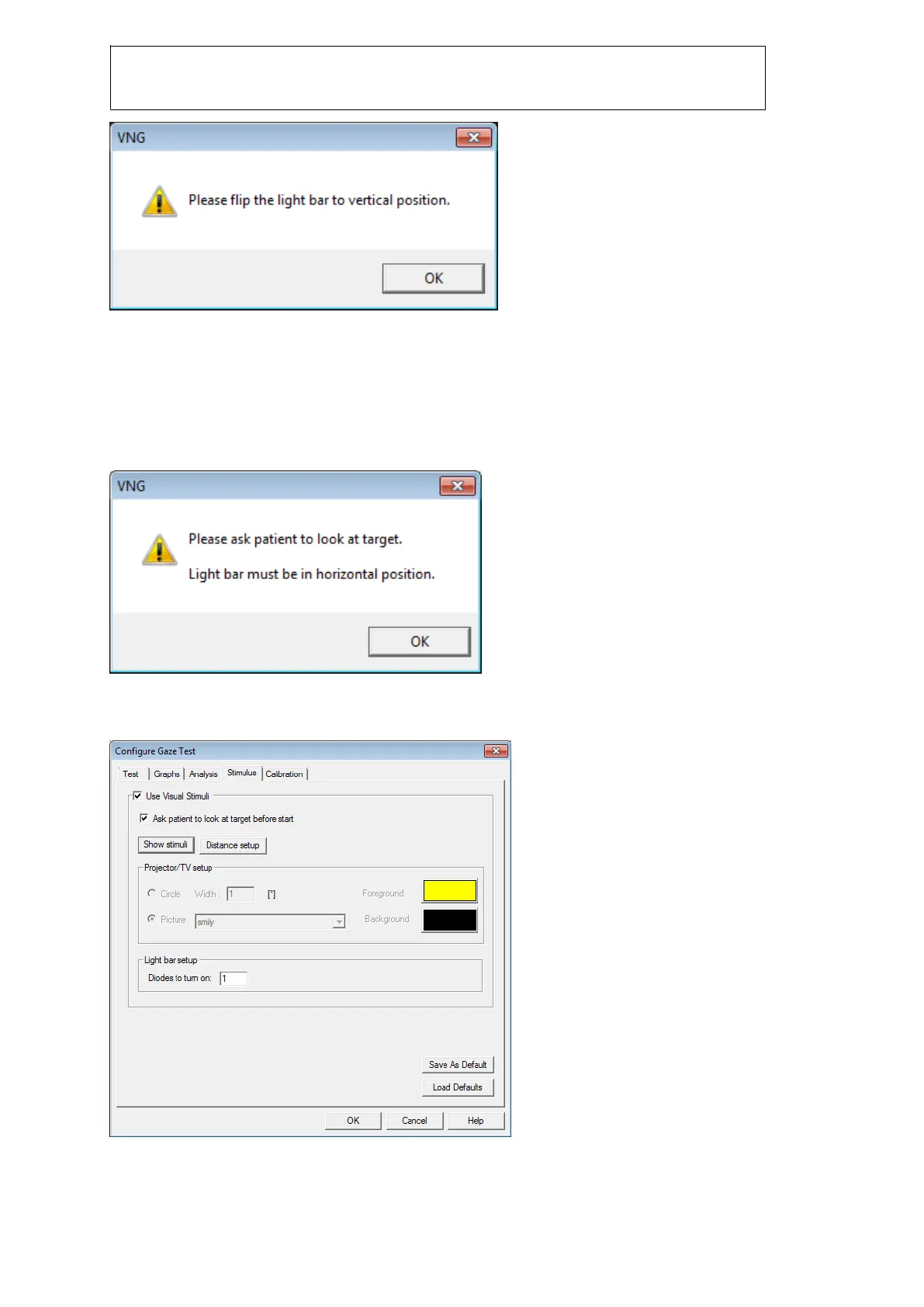
Figure 2.3 Vertical calibration message
Click ‘OK’ and point 4, 5 and 6 is completed.
Gaze test
The light bar has a default range of +-20 degrees when using the outermost diodes. However these
can only be used in gaze test. The user has to remember to flip the light bar when running the vertical
stimuli.
Figure 2.4 positioning of light bar
The stimuli setup dialog now allows the user to also setup light bar. The functionality for projector is
disabled when using the light bar.
Figure 2.5 Configure gaze test for use with lightbar














 To Next Page