10
The boiler has a number of operational modes:
The boiler is switched o.
The boiler is out of order but is connected to the mains voltage.
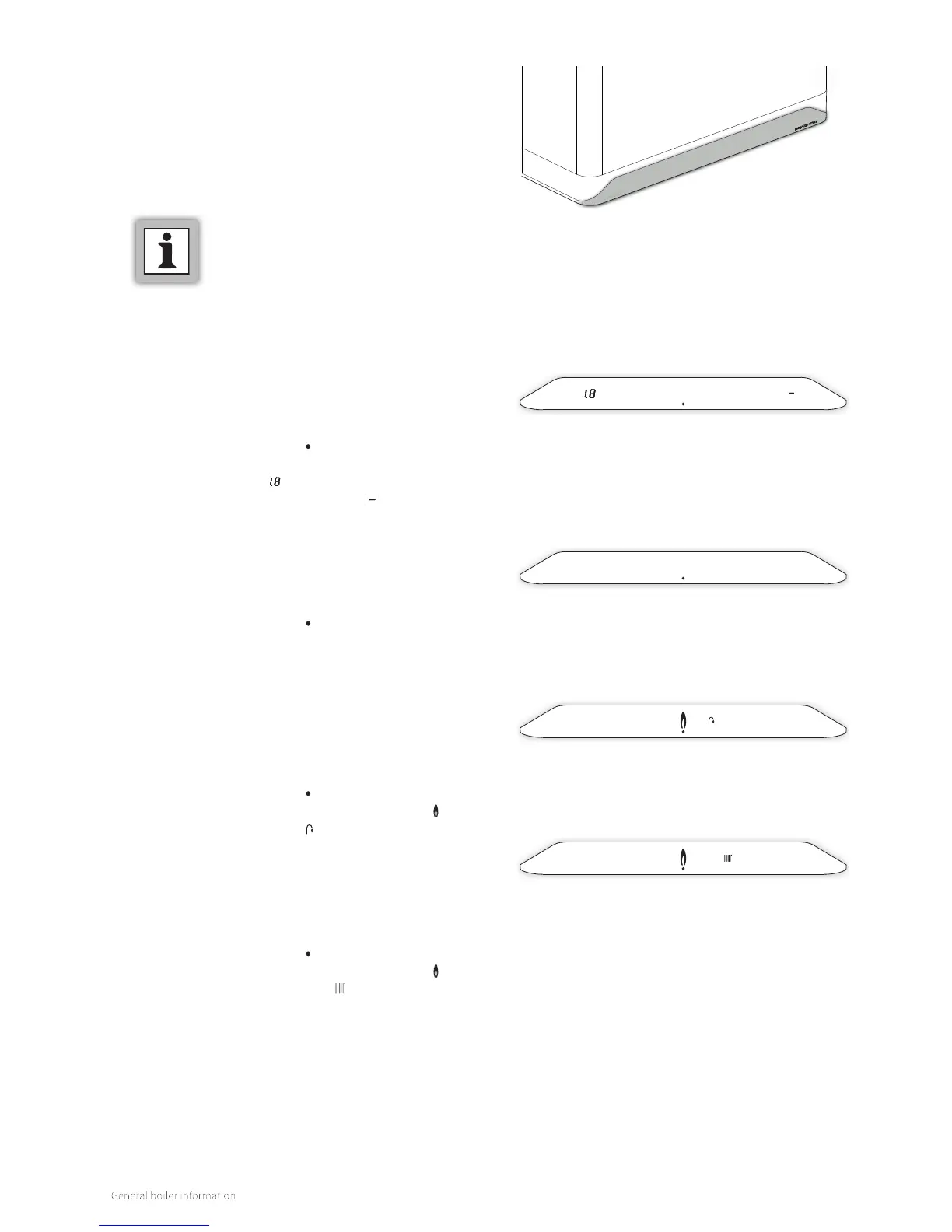
In this mode, the display view is characterized by:
► Showing the power LED [ ].
► Showing the pressure in the central heating system (in bar)
on the le display [ ].
► Showing a line on the right display [ ].
The boiler is switched on and is ready for a heat demand.
The boiler is switched on and is ready to answer a request for
either domestic hot water or hot central heating water.
In this mode, the display view is characterized by:
► Showing the power LED [ ]. All other symbols and values
are not displayed.
3.4 Control panel
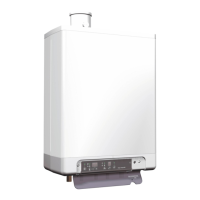
The boiler has a fully integrated touch screen control panel
that displays information about the operational mode of the
boiler. Symbols (buttons), numbers, points and/or letters are
displayed.
The buttons light up so that they can be operated.
For extensive control options, see §8.
3.5 Operational modes
Boiler is switched o
(mains voltage is present, however)
Boiler is switched on
(ready for heat demand)
The boiler is in operation and is supplying domestic hot
water.
The boiler is in operation and is supplying domestic hot water
to one of the tap points. The display view is characterized by:
► Showing the power LED [ ].
► Showing the flame. The burner is switched on [ ].
► Showing the tap symbol [ ].
The boiler is in operation and is supplying central heating
water.
The boiler is in operation and is supplying central heating
water. The display view is characterized by:
► Showing the power LED [ ].
► Showing the flame. The burner is switched on [ ].
► Showing the radiator symbol [ ].
Boiler is in operation (domestic hot water)
Boiler is in operation (central heating water)
COMMENT
► Only use your fingers to operate the
touch screen



 To Next Page