43
The functioning of the boiler can be influenced by the various
(parameter) settings in the burner controller. Based on a number
of specific menus, these settings can be made and modified
via the display. Some of the settings are only accessible aer
entering the installer’s code (see §8.1.5 and §8.3).
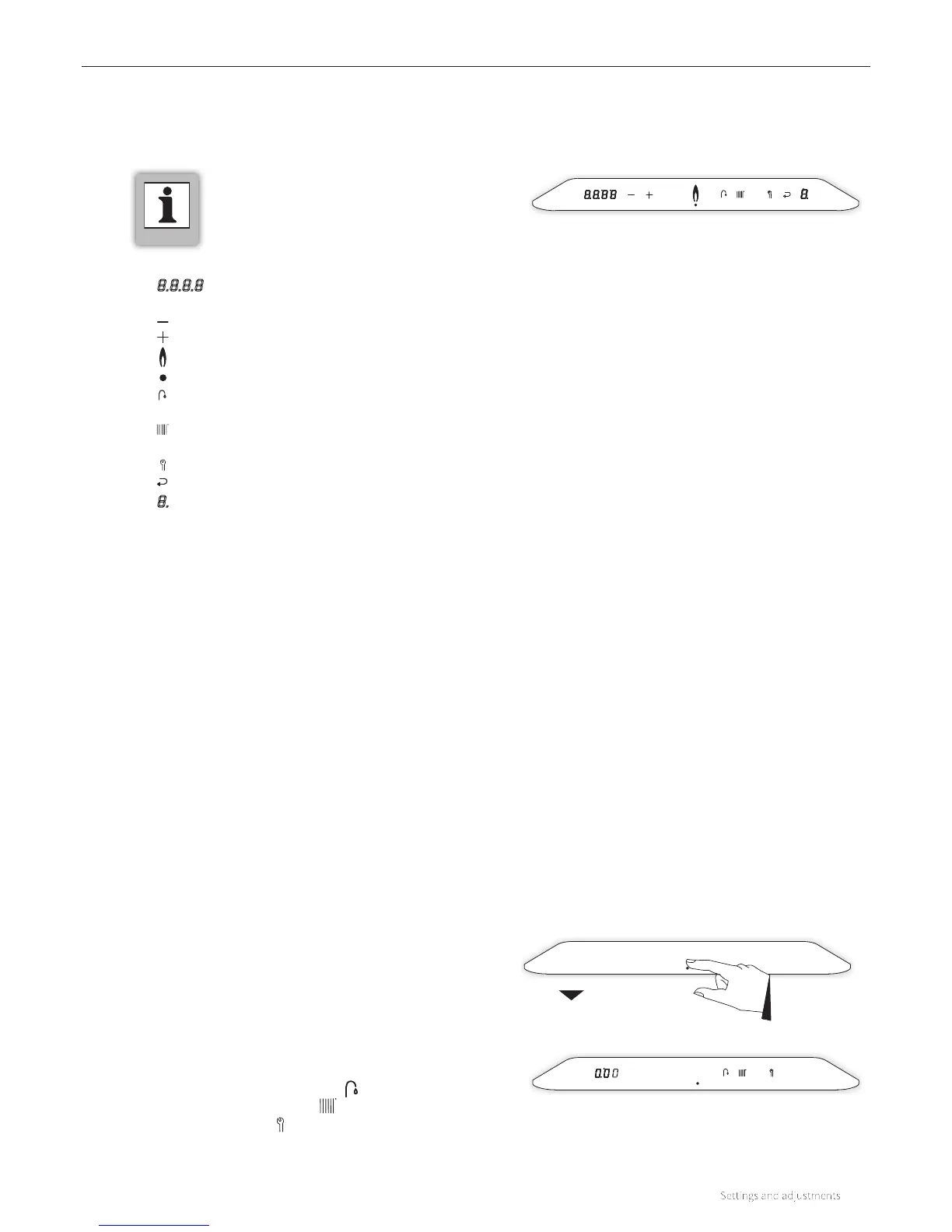
The main menu is accessible by tapping just above the power
LED. The main menu can be requested in a boiler that is
switched on as well as one that is switched o. If no button is
used in the main menu for 1 minute, the display returns to the
initial setting.
The following buttons will light up:
► The domestic hot water symbol
► The central heating symbol
► The Service symbol
Also, on the le display the clock time is shown.
The structure of the settings is built up from various menus that
are accessible via certain buttons (of button combinations).
The following menus are available:
► Main menu
Higherlevel menu from which all other menus are
accessible.
► Domestic hot water menu
Menu in which several domestic hot water-related settings
can be set and/or modified.
► Central heating menu
Menu in which several central heating-related settings can
be set and/or modified.
► RF menu
Menu in which RF room thermostats can be assigned to the
boiler.
► Service menu
Menu in which the test programs can be activated and
from which the (installer’s) parameters can be modified
(installer’s code required).
8 SETTINGS AND ADJUSTMENTS
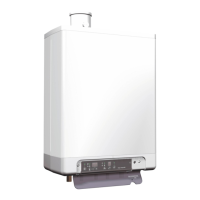
► The boiler has a touch screen control panel.
Buttons will light up as soon as they are
operable and they will be extinguished when
they are no longer available.
8.1 Structure of the settings
8.1.1 Main menu
Main menu
Initial setting
Control panel with all options
► 8.8.8.8 : Le display / Desired temperature in °C /
Central heating pressure / Fault code / Time
► : - (Minus) button
► : + (Plus) button
►
: In operation (burner is switched on)
► : Power LED
► : Tap operation / tap comfort setting /
Temperature domestic hot water setting
► : Central heating demand / Adjusting
maximum central heating temperature
► : Service button
► : Enter button
► 8. : Right display / operational code




 To Next Page