17
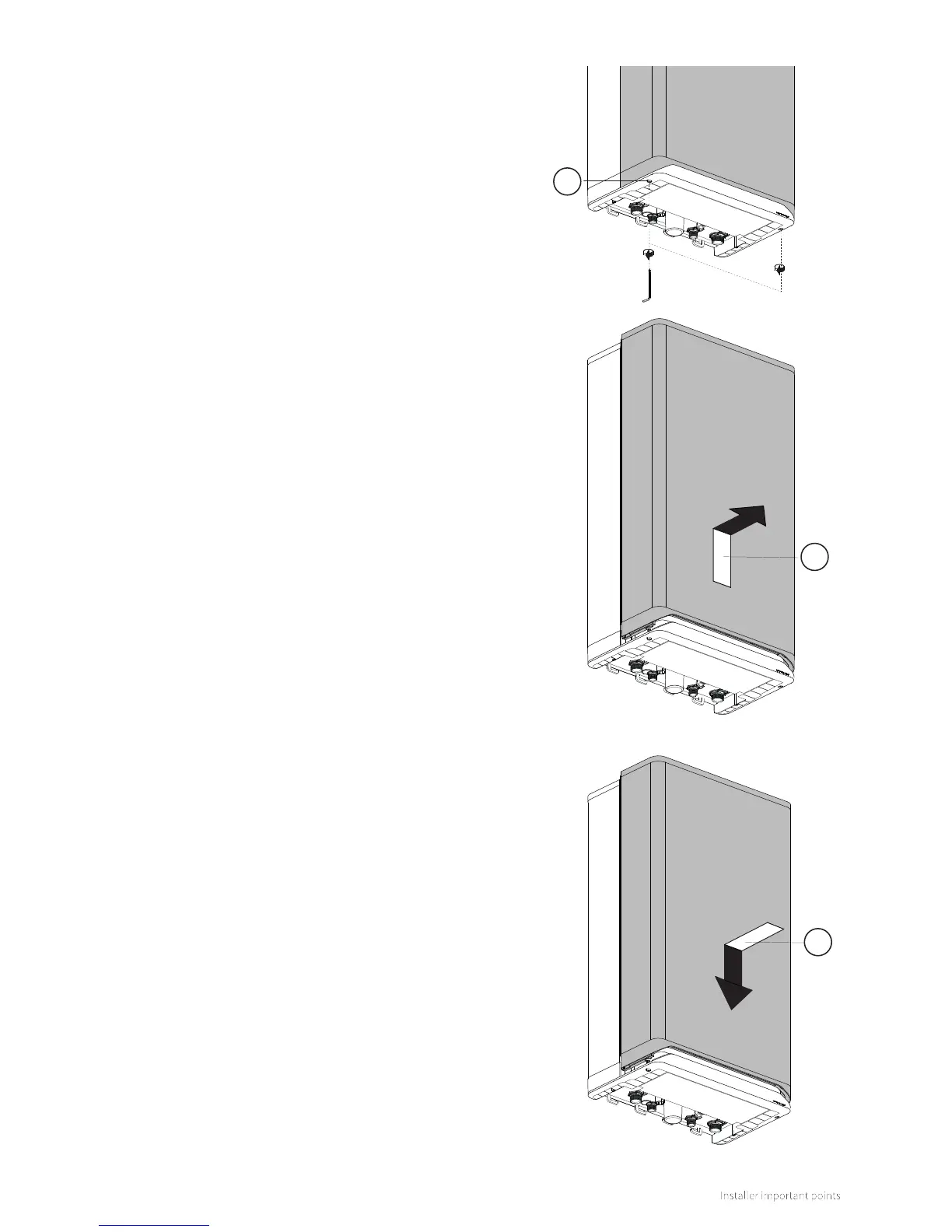
5.2.2 Removing/installing the front panel
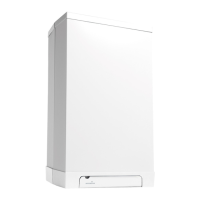
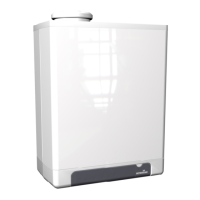
► The front panel of the boiler must be removed to perform
various maintenance activities. Do this as follows:
► Unscrew both (lossless) socket screws (1) under the boiler
by using a 5mm socket wrench.
► Slide the front panel (2) upward and then remove it by
pulling it towards you.
1
2
Replace front panel
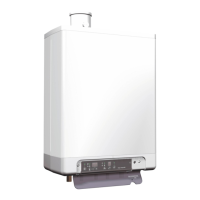
To replace the front panel, proceed as follows:
► Position the front panel (3) against the boiler and slide
it downwards until it is properly connected to the
boiler.
► Screw tight both socket screws under the boiler using
a 5mm socket spanner.
3



 To Next Page