4
To set up the system:
1. Arrange the system base unit, monitor, keyboard, and other peripherals in your
workspace.
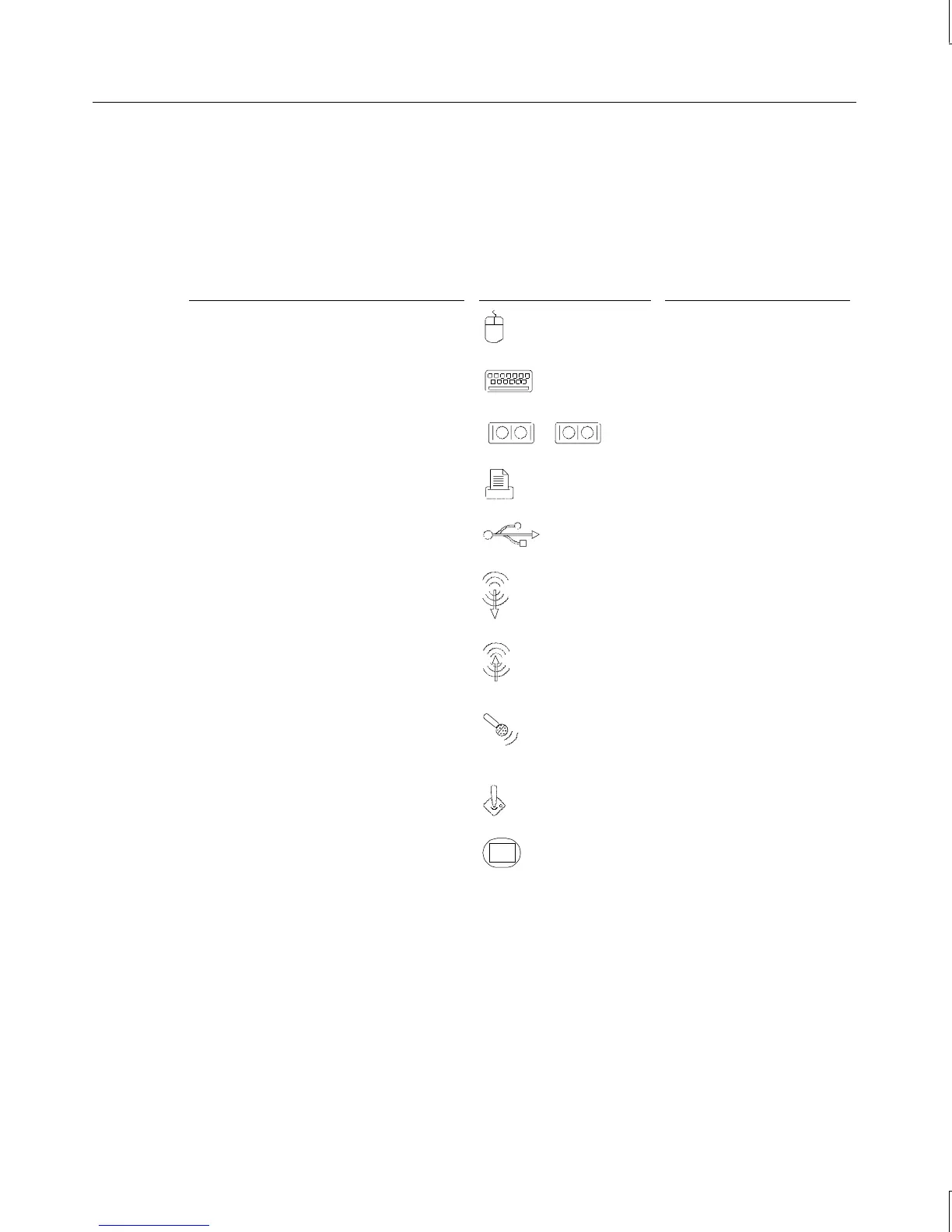
2. Connect the cables from the various peripherals to the ports on the back of the system.
Connect the cable from this....
To the port labeled.... For this connector....
Mouse Mouse port
Keyboard
Keyboard port
Modem, printer, or other device Serial (COM) port 1 or 2
Printer or other device
Parallel (LPT) port
Universal Serial Bus device
Universal Serial Bus port
Stereo speakers or headphones;
multimedia keyboard speaker
Line Out port on sound
card
External stereo cassette or CD player;
radio or other audio device
Line In port on sound
card
Multimedia keyboard microphone,
separate microphone
Microphone port
Game joystick or MIDI device MIDI/Game port
Monitor
Video Out port on video
display adapter card
WARNING If you do not use cables supplied by Intergraph Computer Systems, you must use
shielded cables to prevent excessive electromagnetic interference (EMI). Intergraph
Computer Systems cables are designed to reduce the amount of EMI produced by the
system.
3. If the system includes a multimedia option, connect the speakers and microphone or the
multimedia keyboard to the audio card. See “Connecting Speakers and a Microphone”
later in this chapter for details.
1 2



 To Next Page