45
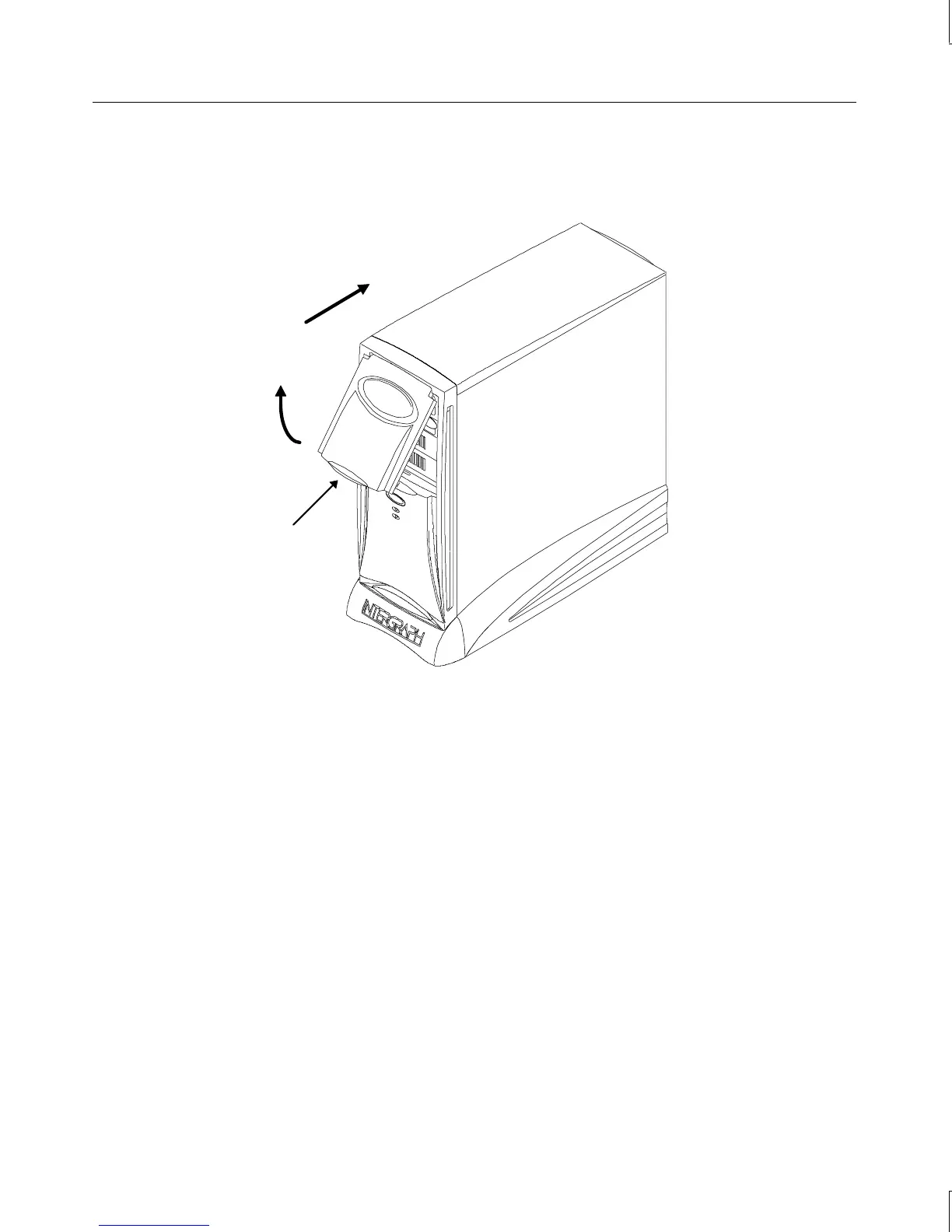
2. Lower the door until it stops and then press gently until the door clicks into the closed
position.
Lift here
Swing up
Push back
System Power, Startup, and Shutdown
When you connect the power cord from the system to an AC power outlet, auxiliary power is
applied to the system. This auxiliary power is available for the system to monitor, among
other things, the Standby button.
Using the Standby Button
The Standby button is on the front left side of the system, just below the external drive bay.
Open the door to access the Standby button.



 To Next Page