26
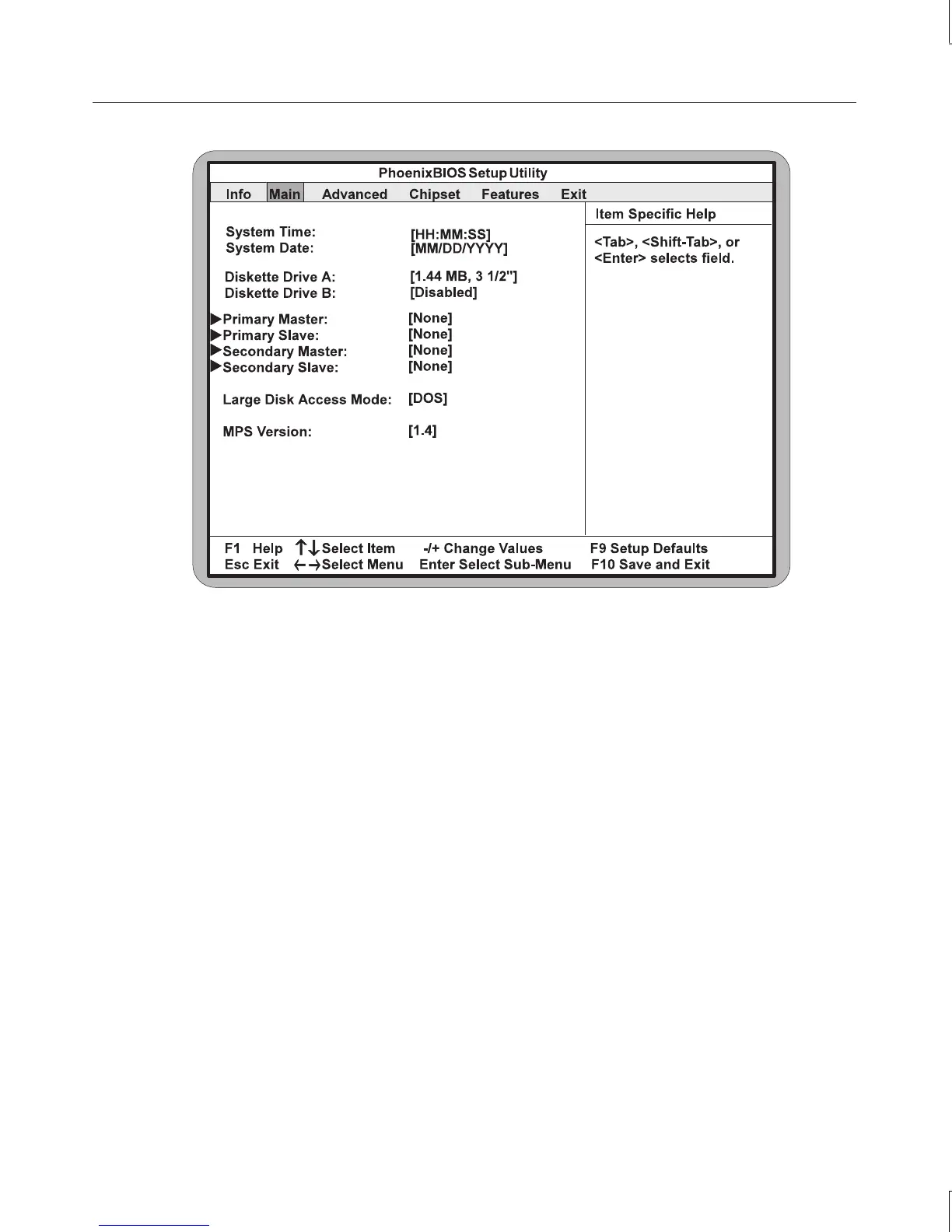
This section explains how to configure each of these parameters. To move between the
parameters, use the up and down arrow (
↑
and
↓
) keys.
System Time
To set the system time, use TAB to move the prompt and select a field (hours, minutes, or
seconds). Use the plus key (+) to increase the number; use the minus key (-) to decrease the
number. To select a previous field, press
SHIFT+TAB.
System Date
To set the system date, highlight the System Date field, and then use TAB to select a field.
Use the plus and minus keys as described above to set the date. To select a previous field,
press
SHIFT+TAB.
Diskette A or B
To configure a floppy disk drive that has been added to or removed from your computer,
highlight the desired drive. Use the plus or minus keys to change the setting until it matches
the installed floppy drive. The BIOS supports 2.88 MB, 1.44 MB, 1.2 MB, 720 KB, and 360
KB floppy drives.



 To Next Page