35
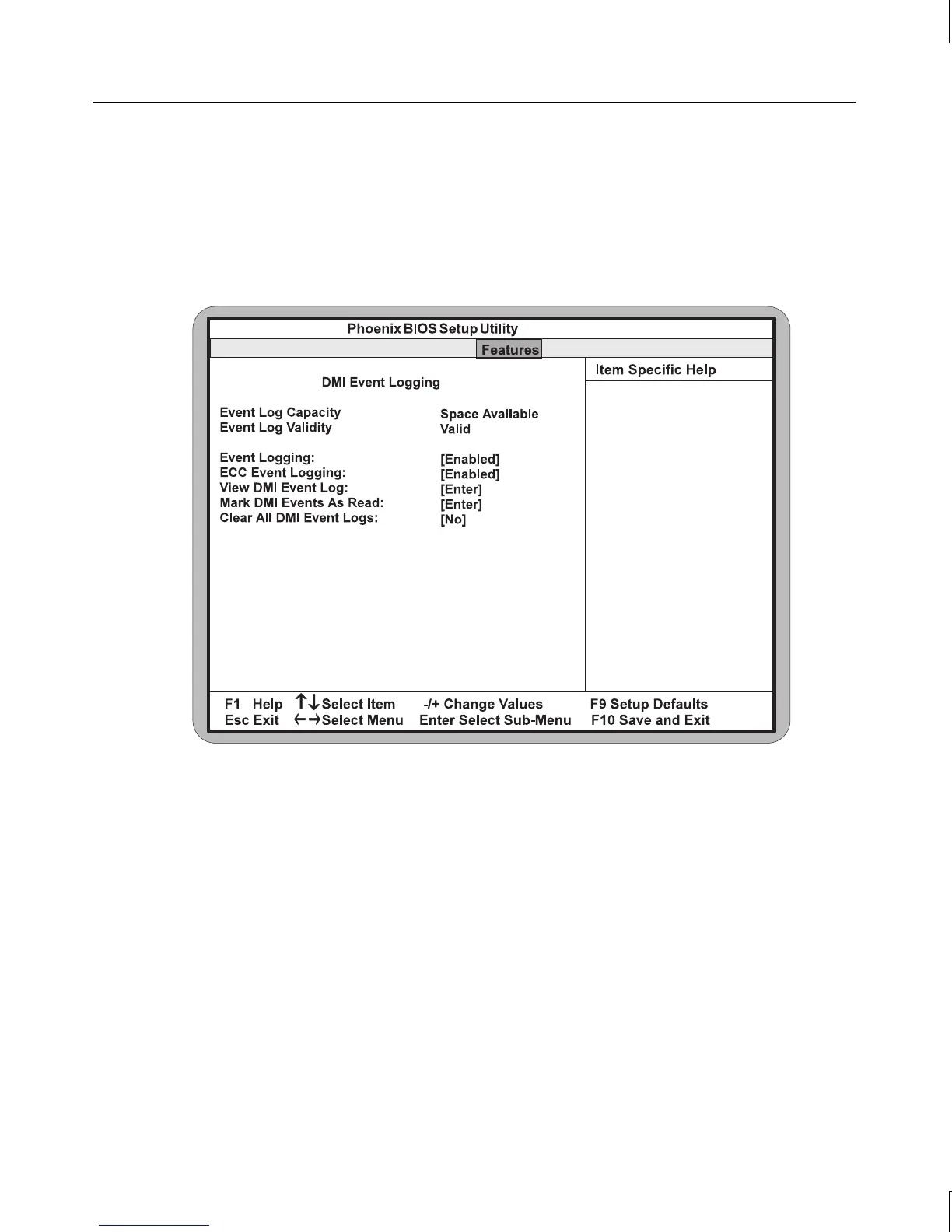
DMI Event Logging
Use this selection for additional setup menus to control the Desktop Management Interface
(DMI) Event Logging functions of the system. This feature allows you to view and modify
DMI Event logs. To enable the DMI Event Logging feature, highlight it and press
ENTER.
A submenu displays, as shown in the following figure.
Event Logging
When Enabled, this setting allows logging of DMI events. The default setting is Enabled.
ECC Event Logging
When Enabled, this setting allows logging of Error Checking and Correction (ECC) events.
The default setting is Enabled.
View DMI Event Log
Highlight this setting and press
ENTER to view the contents of the DMI event log.



 To Next Page