30
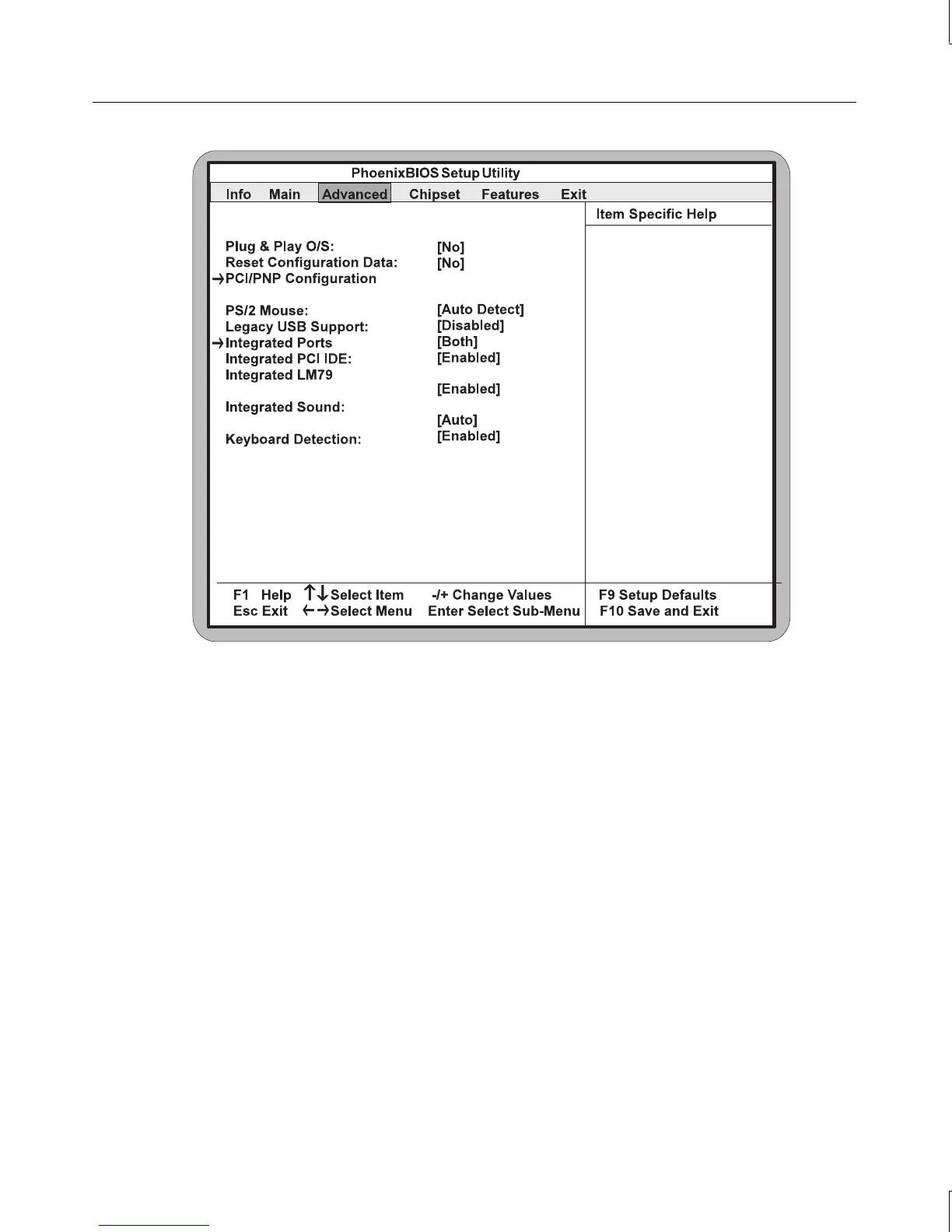
Plug & Play O/S
When set to Yes, this setting allows your system to work with a Plug and Play operating
system, such as Windows 95. The default setting is No.
NOTE This option should be set to No when using Windows 3.1 or Windows NT.
Reset Configuration Data
When set to Yes, this setting causes the system to reset Extended System Configuration Data
(ESCD) when you exit Setup. This allows the PnP BIOS to redetect your PCI and ISA PnP
devices and reallocate resources to them. The default setting is No.
PCI/PnP Configuration
Use this option to display a submenu with additional options for configuring IRQs for legacy
ISA devices:



 To Next Page