44
Moving the System
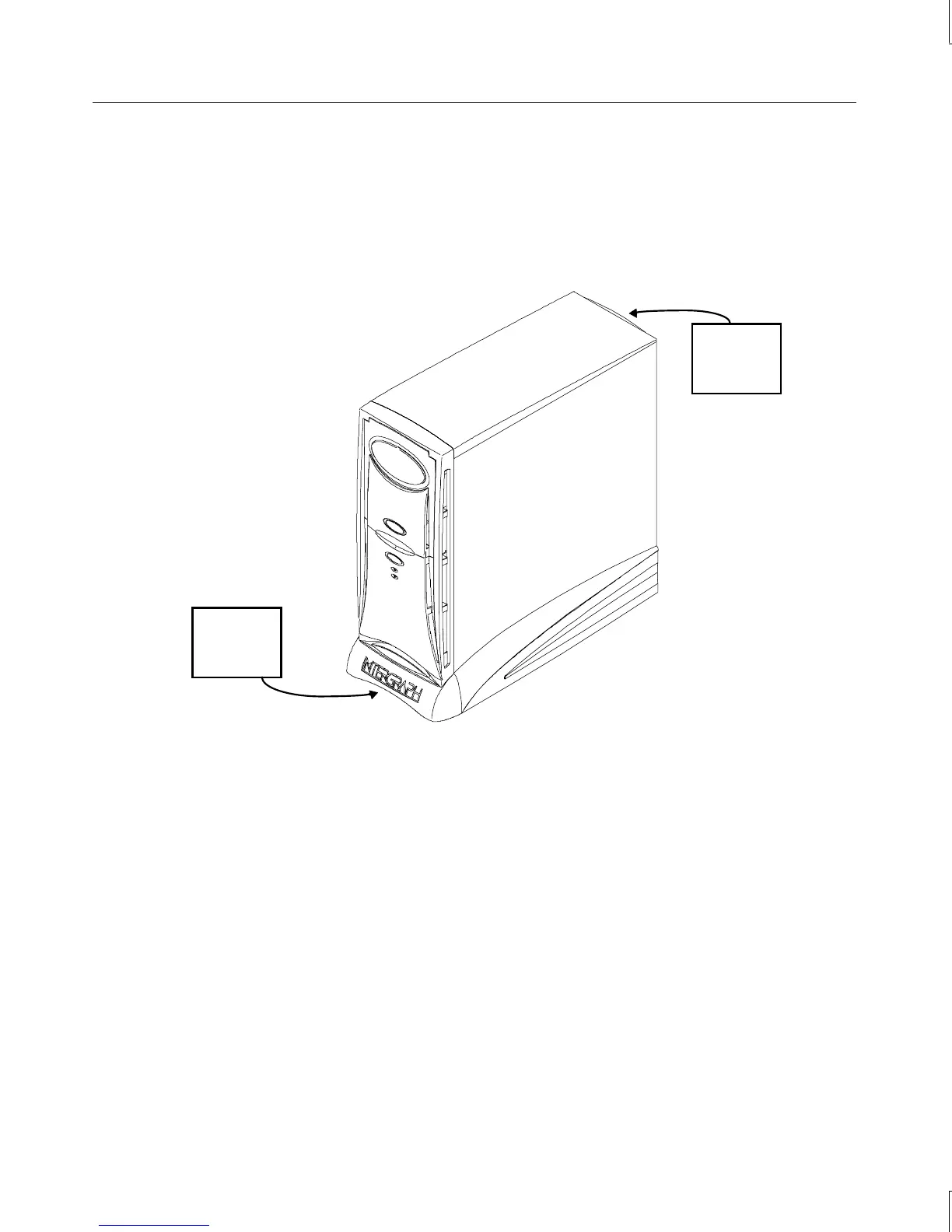
WARNING Do not use the bottom portion of the face panel or the lip at the top rear of the unit as
a hand hold when moving the system. Equipment damage and personal injury can
result.
Do not lift
here!
Do not lift
here!
Opening and Closing the Door
Open the door on the face panel to access the floppy drive, CD-ROM, and any optional
device installed in the external bay. You can use your system with the door in the open or in
the closed position.
To open and stow the door:
1. Grasp the lip at the bottom of the door and lift up until the door is even with the top of
the unit.
2. Push the door into the case until the door stops.
To close the door:
1. Grasp the door and pull it straight out of the case until it stops.



 To Next Page