33
Chipset Screen
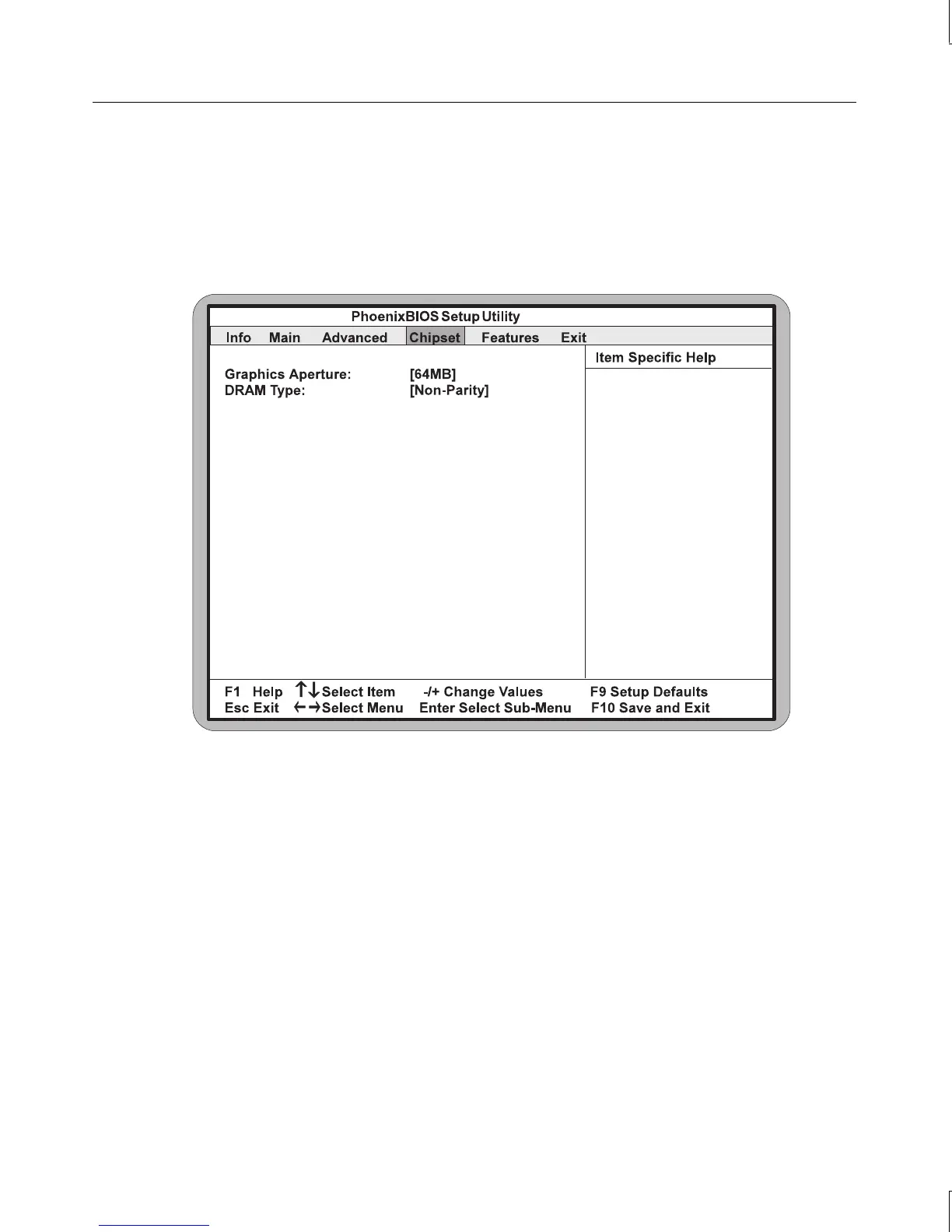
The Chipset screen allows you to program the Intel 440BX AGP chipset features. Use the
left and right arrow keys to highlight Chipset on the BIOS Setup main menu. The Chipset
Setup screen displays as shown in the following figure.
Graphics Aperture
Select the size of the Graphics Aperture for the AGP video device. The aperture is a portion
of the PCI memory address range dedicated for graphics memory address space.
DRAM Type
The DRAM type can be set to Non-Parity, Parity, or ECC. Selecting ECC will enable the
system to detect and correct parity errors if ECC memory is installed in the system. The
default setting is Non-Parity.
NOTE Whenever you change your memory type, either from ECC to non-ECC or the reverse, you
should check that this parameter is set correctly.



 To Next Page