34
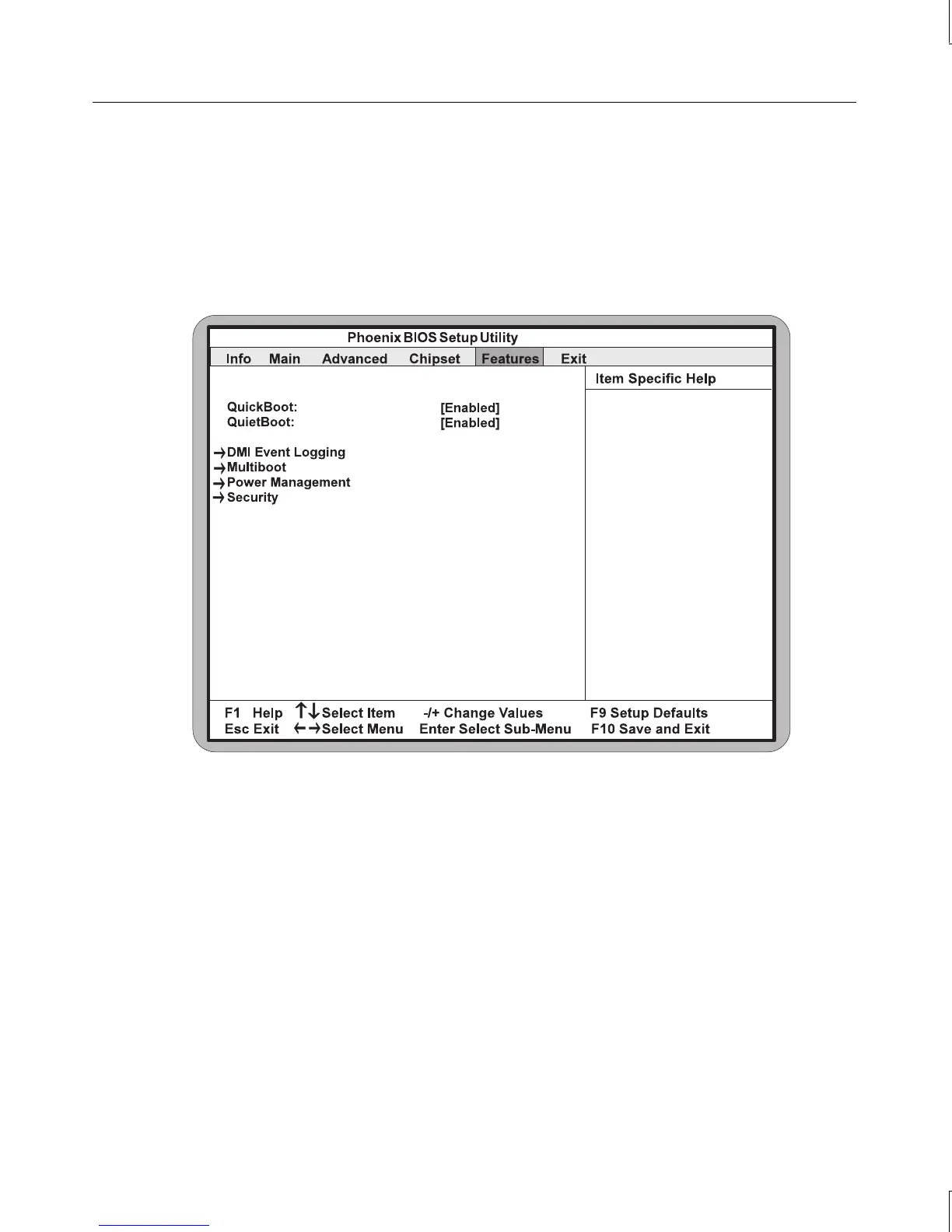
Features Screen
The Features Screen allows you to configure the boot configuration, power management
functions and the security of the system. To access this screen, use the arrow keys to
highlight Features on the BIOS Setup main menu. The Features screen displays as shown in
the following figure.
QuickBoot
This setting allows the system to skip certain tests while booting. This will decrease the time
needed to boot up the system. The default setting is Enabled.
QuietBoot
When disabled, this selection displays the system diagnostics screen during boot up. When
enabled, the system logo screen displays in place of the system diagnostics screen. The
default setting is Enabled.



 To Next Page