38
Suspend Timeout
The Suspend Timeout selection sets the amount of time that elapses for the system to enter
Suspend Mode. Suspend Mode turns off most devices in the system, reducing power usage
to a minimum. You can disable the suspend timeout feature by setting this option to Off
(default), or select from a range of 5 to 60 minutes.
Resume On Time
When this feature is enabled (On), the system counts down to zero and awakes from Standby
or Suspend mode. The default setting is Off.
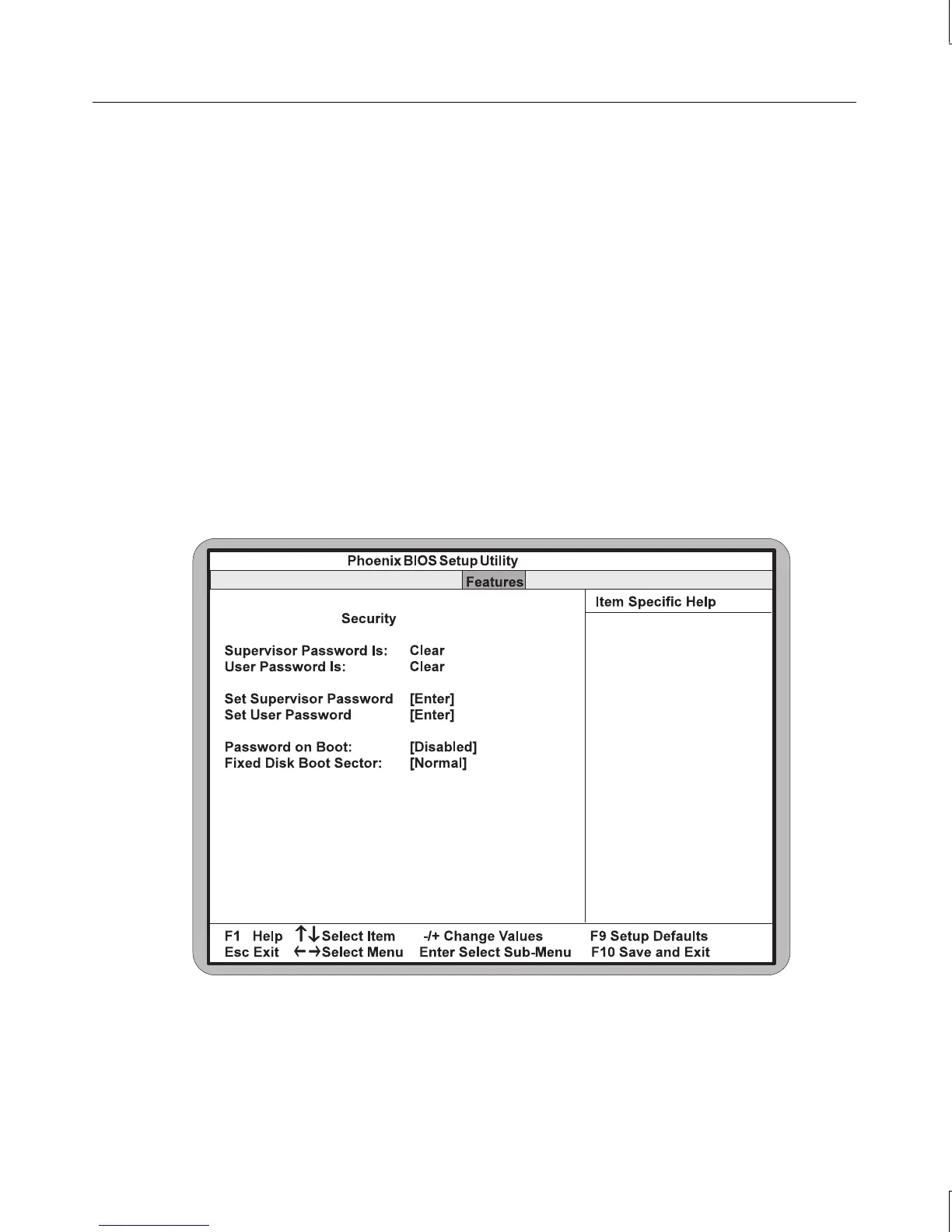
Security
Use this selection for additional setup menus to control the security functions of the system.
To enable the security feature, highlight this option and press
ENTER. A submenu displays, as
shown in the following figure.



 To Next Page