37
NOTE You must disable power management if you use Windows NT 4.0, as it does not support
power management.
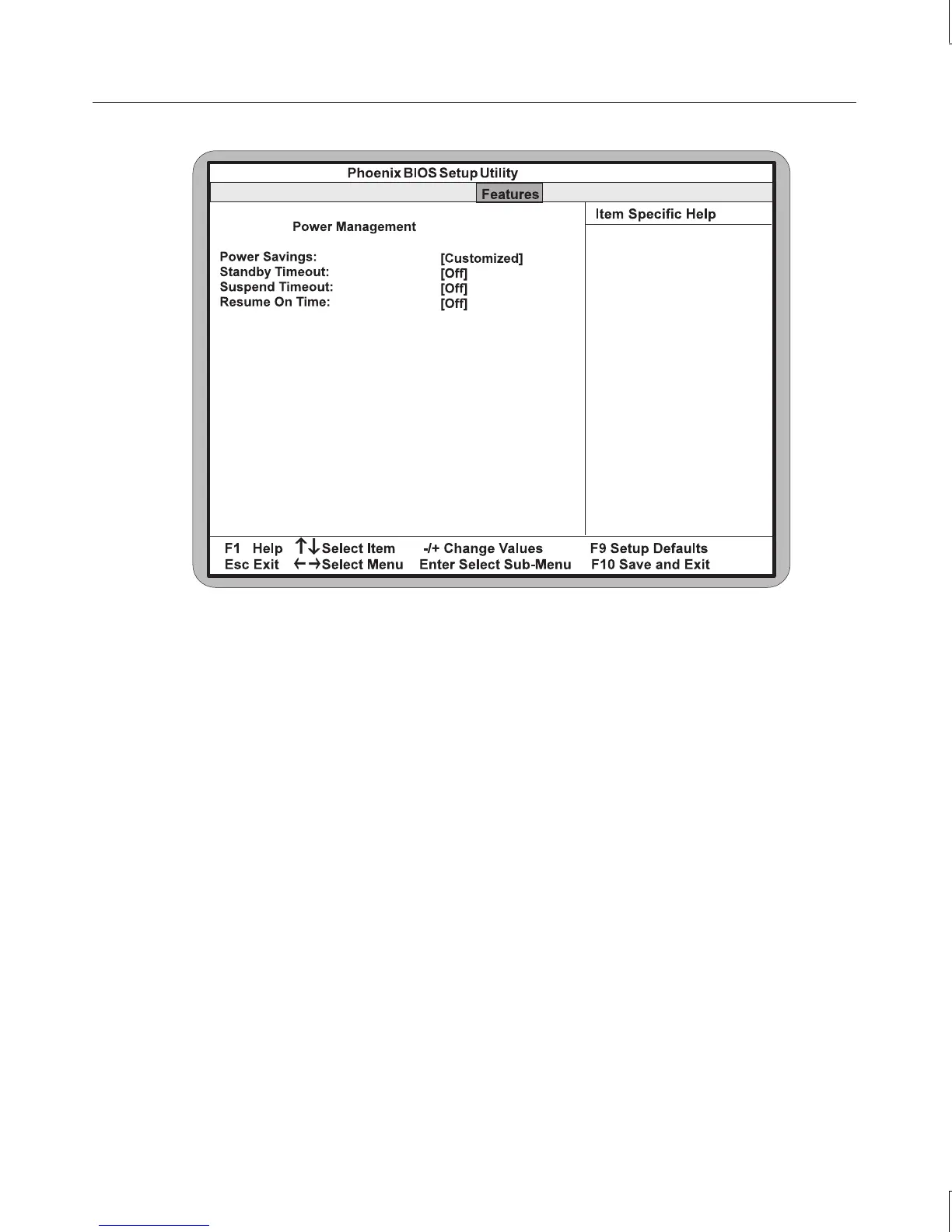
Power Savings
This setting allows you to change the system power management settings. Maximum Power
Savings conserves the greatest amount of system power. Maximum Performance conserves
power but allows greatest system performance. To alter these settings, choose Customized.
To turn off power management, choose Disabled. The default setting is Customized.
NOTE Before you can change the following settings, you must set the Power Savings mode to
Customized.
Standby Timeout
This setting controls the amount of time that elapses before the system enters Standby Mode.
Standby Mode turns off various devices in the system, including the display screen, until you
start using the system again. You can disable the standby timeout feature by setting this
option to Off (default), or select from a range of 1 to 16 minutes.



 To Next Page