Setup and User Guide 29
Providing a brighter solution.™
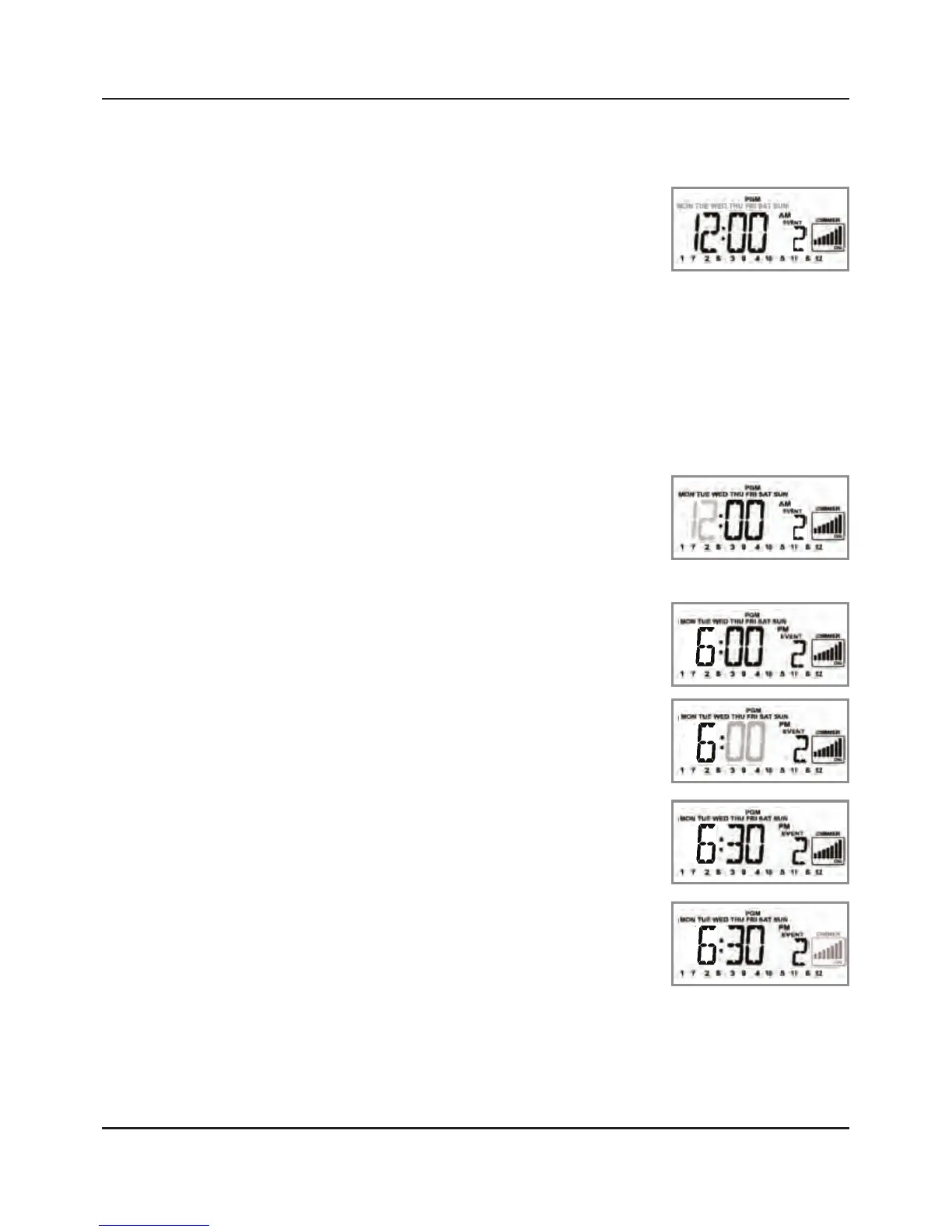
Press the + button. The screen changes and
flashes the days of the week.
Continue pressing the + button
until the day or series of days
you want the timer to turn OFF
is blinking. You can select:
Every day
Weekdays only
An individual day of the week
NOTE: The Weekends setting (Sat/Sun) is not
functional at this time.
Press the ENTER button to
accept. The screen flashes the
hours.
Press the + or – button to set the
hours you want (“6:00 PM” in
this example).
Press the ENTER button to accept
the hour you have set. The
screen flashes the minutes.
Press the + or – button to set the
minutes you want (“6:30 PM” in
this example).
Press the ENTER button to accept
the minutes. The dimmer panel
begins blinking.
3.
4.
•
•
•
5.
6.
7.
8.
9.



 To Next Page