Radar Target Generator - RTG1002 Edition Date: 19-Apr-18
speed.
Doppler speed: The speed is linked to the Doppler frequency and visa-versa. If the user modifies
the speed, the frequency is recalculated and when the user enters the frequency, the speed is
recalculated.
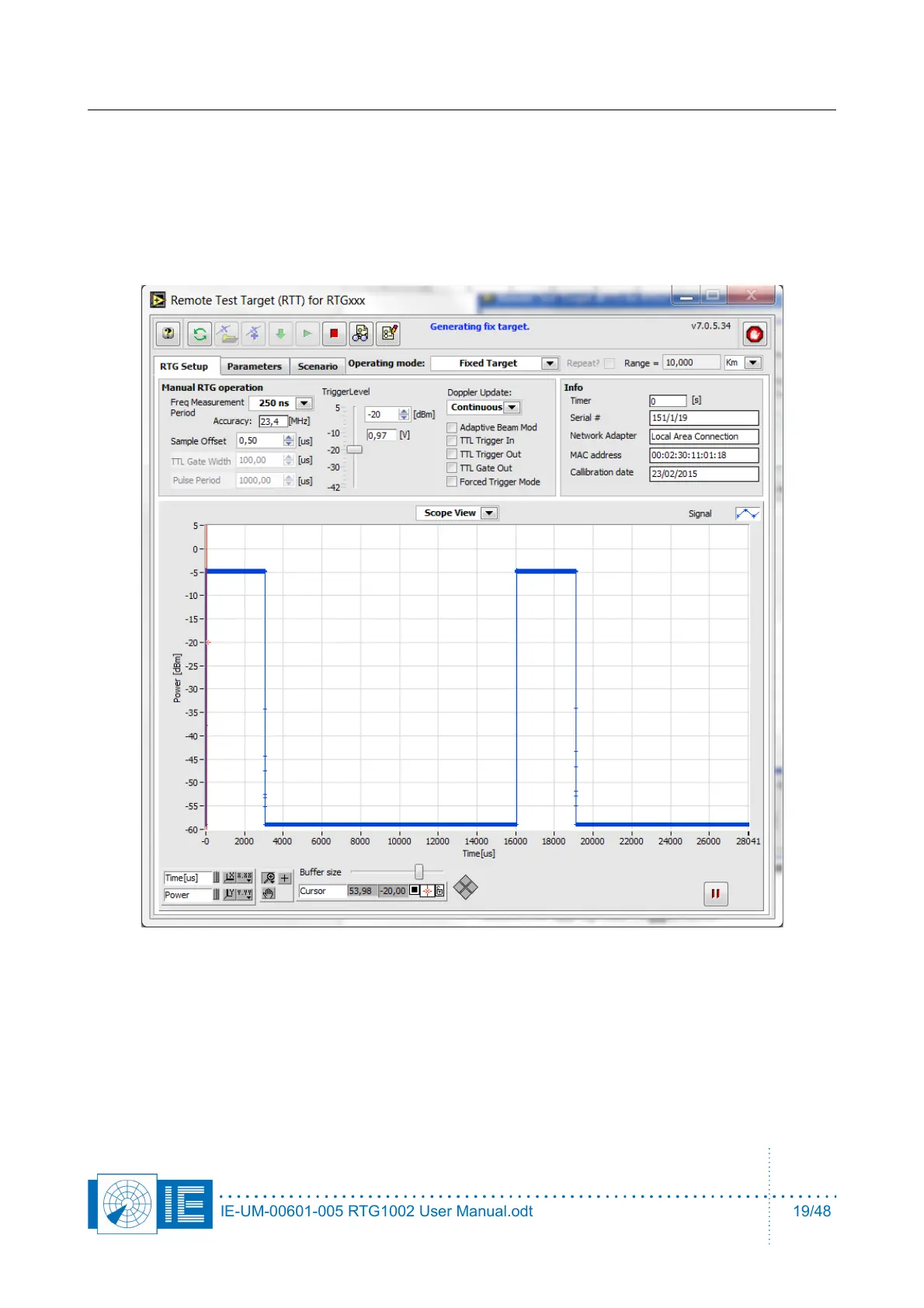
2.2.2. Setup tab
The controls in this software tab have an immediate effect when they are changed, no need to download
them first like the parameters.
1. Select the appropriate Trigger level.
2. In scope view it is possible to increase the buffer size, to visualize very large pulse widths or very
long pulse periods.
IE-UM-00601-005 RTG1002 User Manual.odt 19/48


 To Next Page