Radar Target Generator - RTG1002 Edition Date: 19-Apr-18
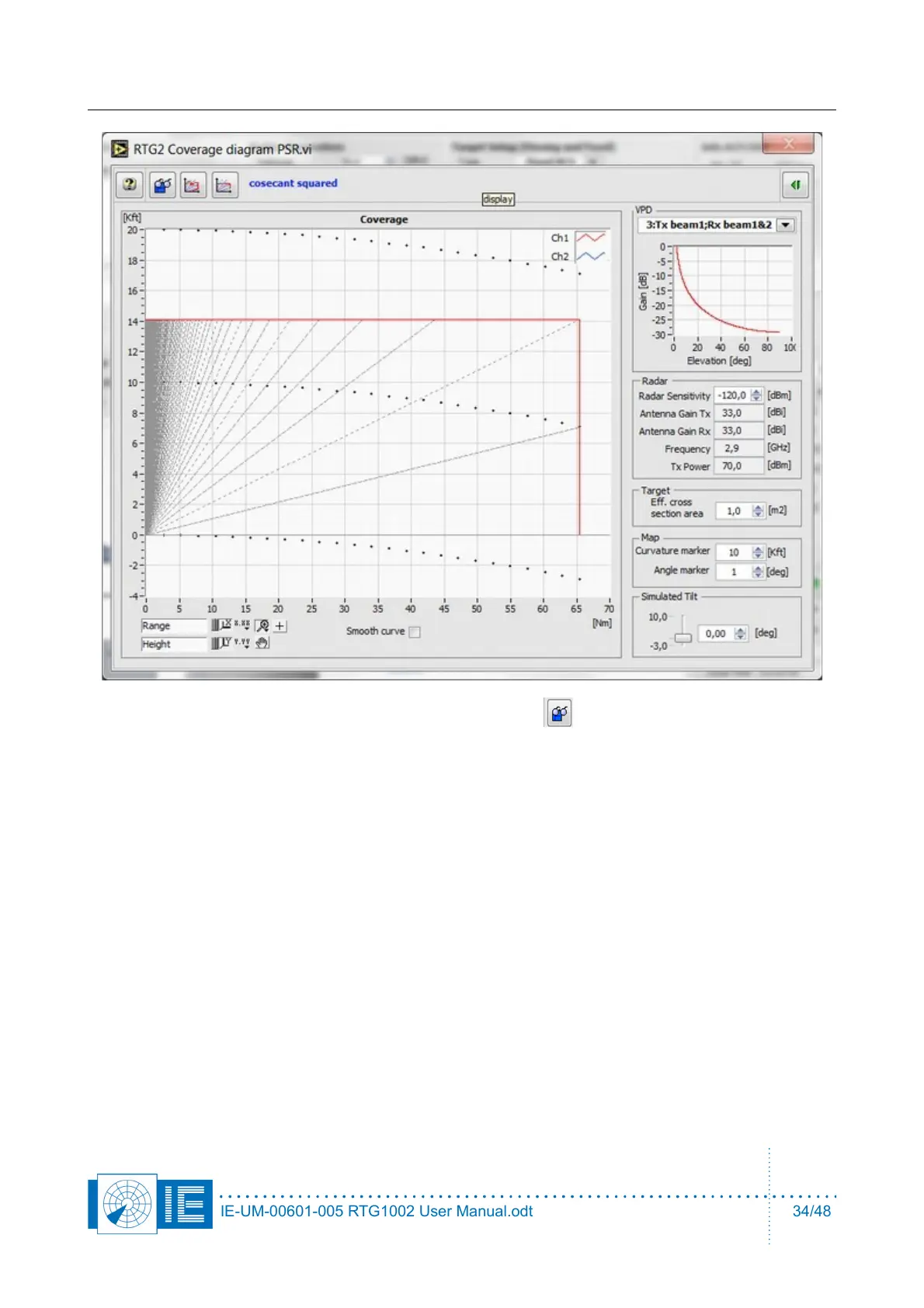
12. If you want to load a tab separated spreadsheet file, click - button.
13. Enter RTG Parameters of the cables used in the setup. Create the connection between the radar
transmitter and RTG1002 receiver, connector J1, preferably via a coupler or sufficient attenuation.
The value of this coupler together with additional attenuators and cable losses is attenuator B, a
software parameter. The input of RTG1002 is protected with a limiter (P1dB @ +11dBm), the input
dynamic range is +5dBm ..-40dBm. Adjust the attenuator values to shift the peak power level within
the dynamic range.
14. Create the connection between the RTG1002 output, connector J2, and the radar receiver preferably
via a coupler so the antenna can still be used to receive some clutter. The value of this coupler
together with additional attenuators and cable losses is attenuator A, a software parameter.
15. Attenuator A can be described vs frequency for modulator 1 and modulator 2. The description vs
frequency for attenuator B is only available under modulator 1, since there is only one input.
IE-UM-00601-005 RTG1002 User Manual.odt 34/48


 To Next Page