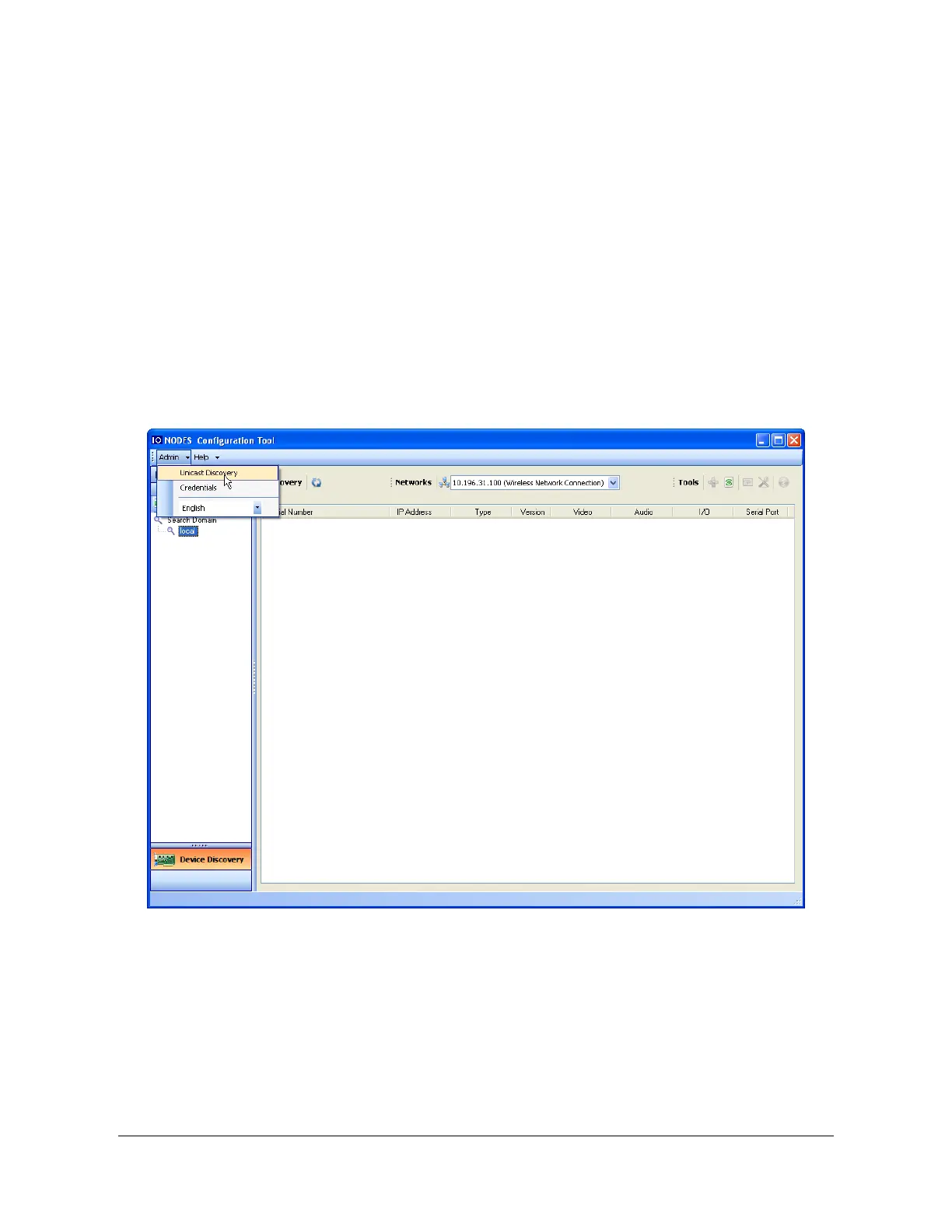
Once your device is installed on your network and powered up, launch ICT from any computer
on the network and the following window will be displayed:
The ICT supports 2 ways to discover a device. The first way doesn’t need any configuration and
uses the Bonjour discovery protocol. In order to be able to discover a device via Bonjour, the
network must support multicast delivery.
If it is not the case, you can use the second way, which is the Unicast Discovery. The Unicast
Discovery can be configured by using the “Unicast Discovery” configuration form. This
configuration form is available via the Admin / Unicast Discovery menu option.



 To Next Page