Video recording based on motion detection will discard any recorded sequence of less than 5
seconds. Please ensure that your motion on / off scenarios are adequate for timespans of 5
seconds or more.
Notifications
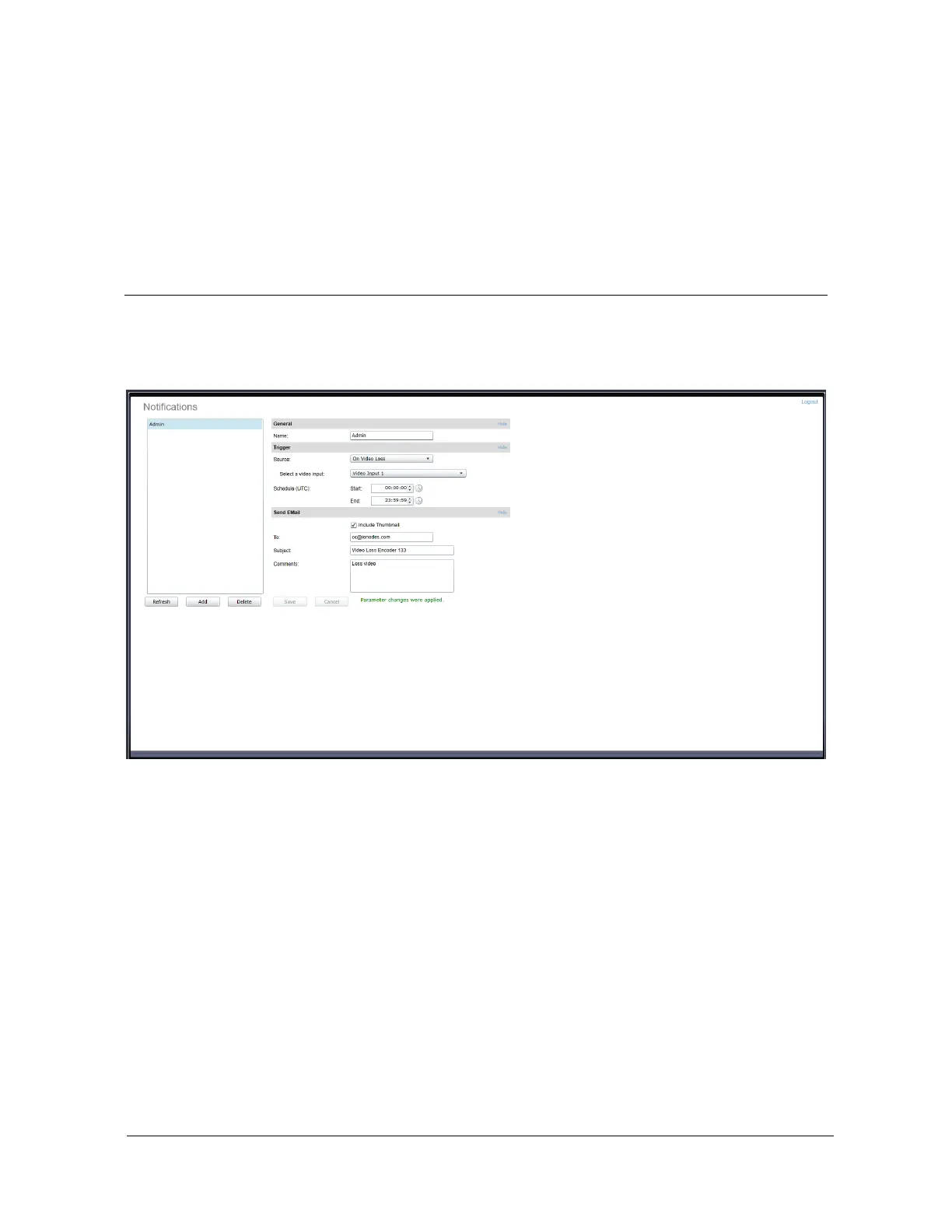
The notification feature allows you to create rules which will trigger email notifications under
certain conditions.
Creating a notification rule
To create a notification rule:
1. Click the Add button.
2. A popup window will appear requesting a name for the notification rule. Enter any
textual name and click Ok.
3. The new notification rule will appear in the rule list in the left window.
To edit a notification rule:
1. Select the notification rule from the list.



 To Next Page