Once the IP information is set, the Silverlight web application served by the ATOMAS-MINI can
be launched from the ICT or directly in your web browser by typing the device’s IP address in the
address bar. You can start to use your networked video management system for final system
configuration or you can configure advanced parameters using the ATOMAS-MINI’s web based
management.
Note: Your computer must be in the same subnet (169.254.*.*) in order to be able to
communicate with the Atomas.
Using the ATOMAS-MINI Web Application
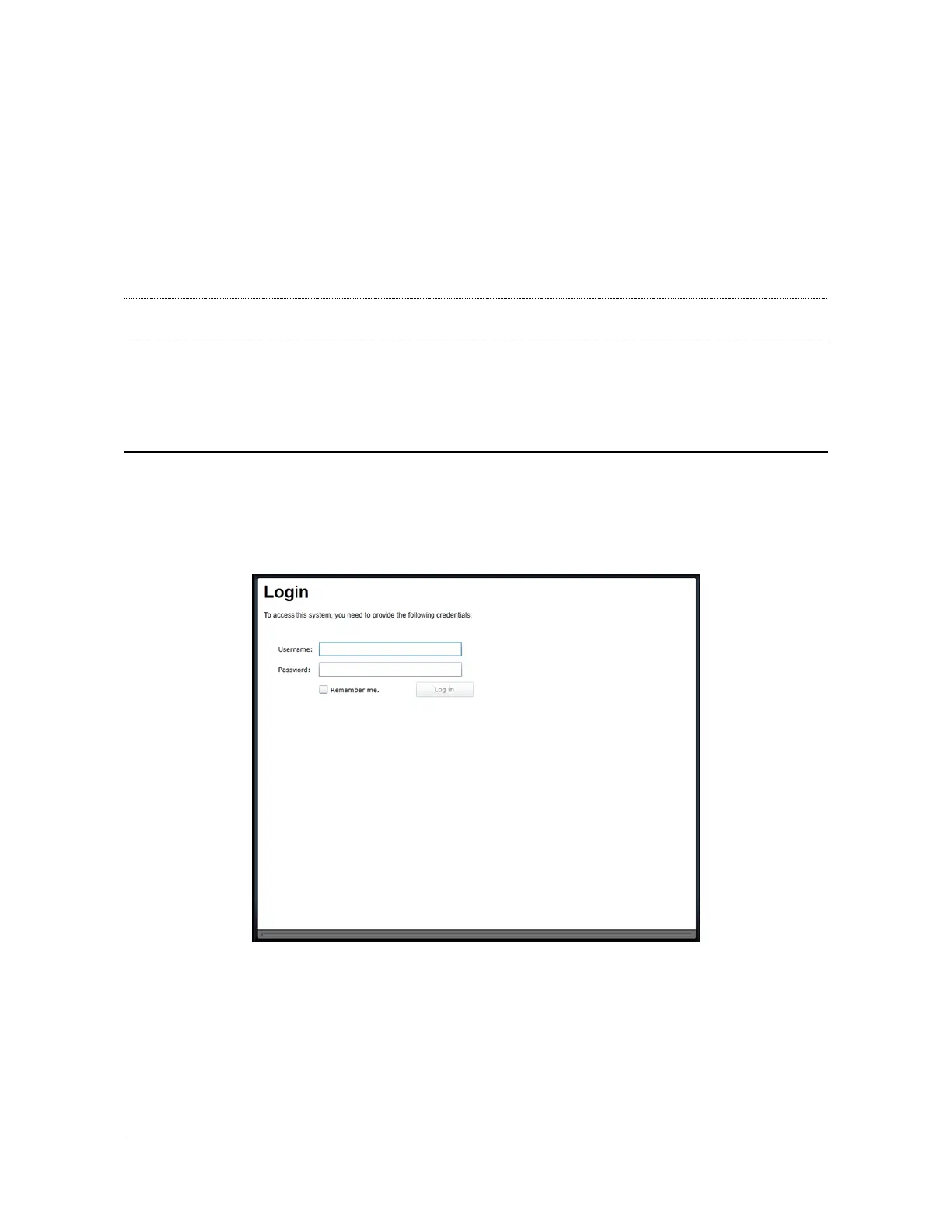
When entering the Web Application, you will be asked a username and password. The default
user name and password are ‘admin’. The following window will be displayed:



 To Next Page