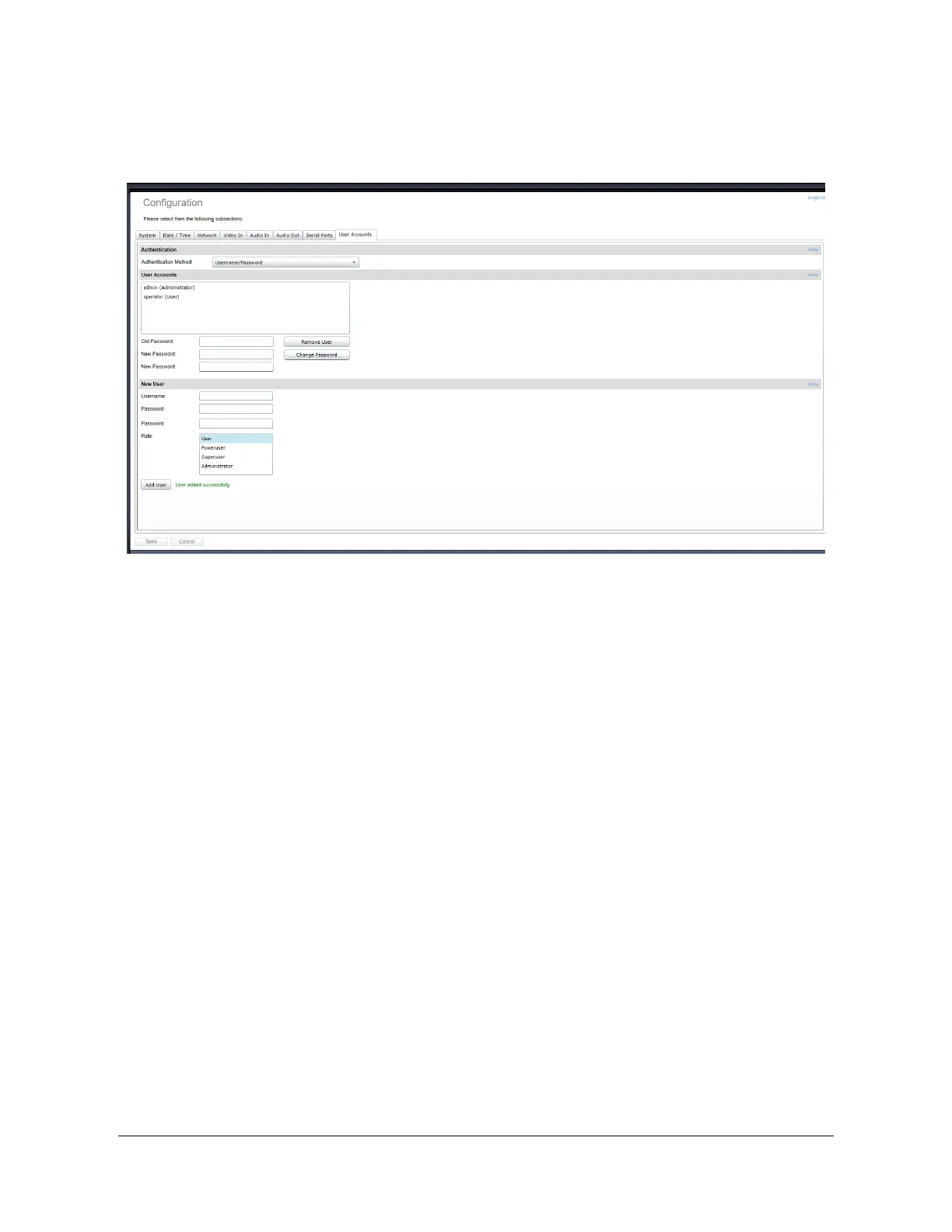
Configuration / User Accounts
Under the Configuration section, select the User Accounts tab to perform the following
operations:
x Select the web interface’s authentication method. A dual passphrase is made available
for additional security.
x Manage user accounts which have access to the device.
The user account roles are defined as follows:
x The User role allows access to viewing only, no permission to change any set-tings
x The Poweruser role allows access to live video and changing any setting aside from the
user accounts list. This role does not grant access to recorded video clips.
x The Superuser role allows access to live and recorded clip viewing and changing any
setting aside from the user accounts list.
x The Administrator role allows access to viewing and changing any setting in the
system.



 To Next Page