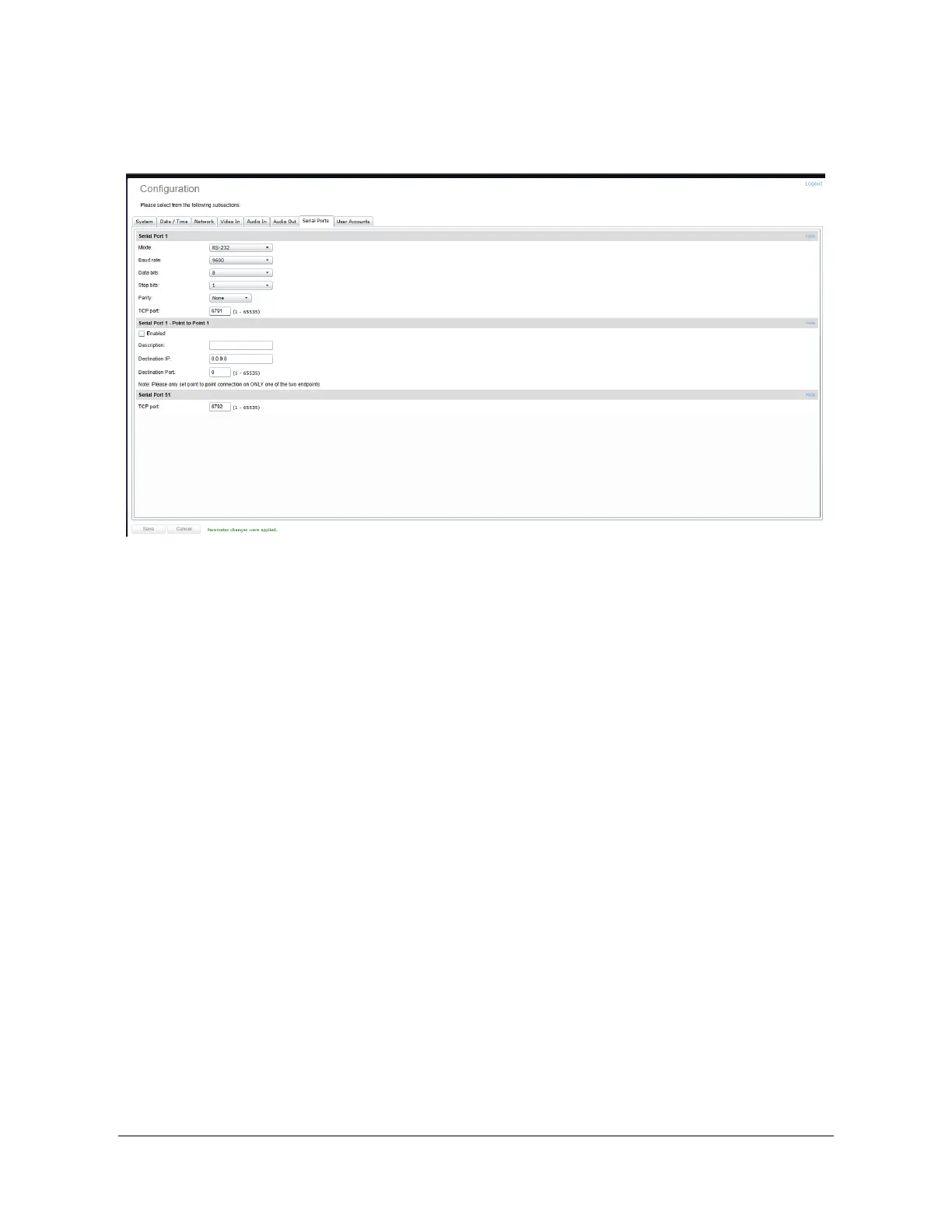
Configuration / Serial Ports
Under the Configuration section, select the Serial Ports tab to perform one of the following
operations:
x Serial Port 1 – This section allows you to configure serial port parameters for the serial
port exposed on connector J3 / J4. This serial port is intended for connection to a PTZ
controller. Configure the serial port settings to match the serial port settings of your PTZ
controller.
x Serial Port 1 Point to Point – This section allows you to configure a point to point serial
port connection for creating a persistent serial port connection with a network endpoint.
This feature is particularly useful when combined with an IONODES decoder (ION-
R100).
x Serial Port 51 – This section will appear if you have enabled the “Use Transparent Port”
feature in the Video In configuration section. This serial port instance represents the
serial port connection between the encoder module and the camera sensor via
connector J1. This section allows you to configure the TCP port on which the encoder
module will accept transparent TCP connections – this connection allows external
software / devices to send command and control data directly to a camera sensor.
When in Custom sensor mode, this section will expose serial port settings to allow you to
properly configure the serial port connection with your custom camera sensor.



 To Next Page