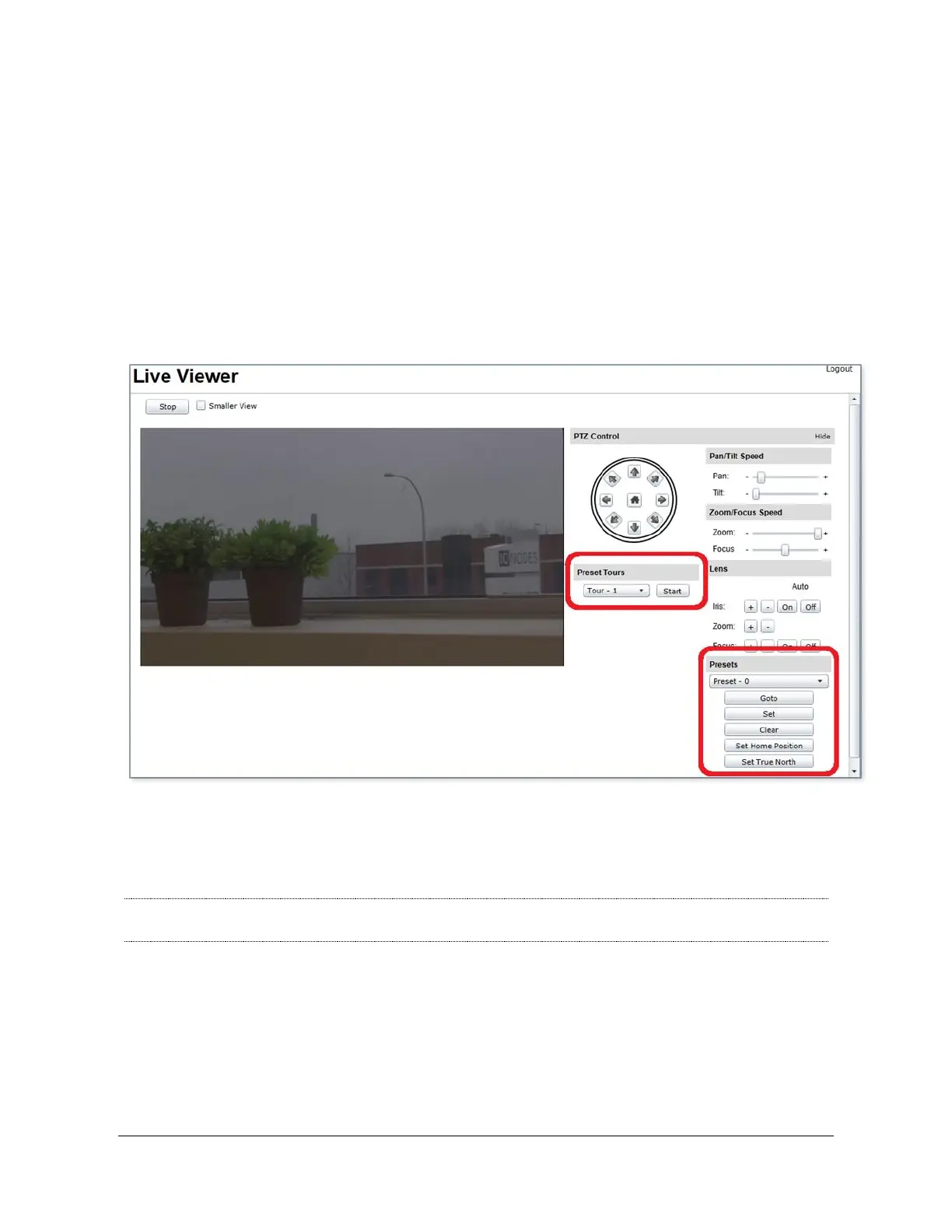
Using PTZ Preset Tours
Activating a PTZ preset tour is done in the Live Viewer web page of the device. Simply select
the preset tour in the Preset Tours sub-section and press the Start button to start the tour.
If the tour is not configured or is empty, the tour immediately stops without moving the camera.
The tour also automatically stops if the PTZ camera is moved manually by the user. After such
an occurrence, the tour can be restarted by clicking on the Start button again.
Note: Please see Appendix B for details on the various scenarios for the PTZ integration
with the Atomas-Mini



 To Next Page