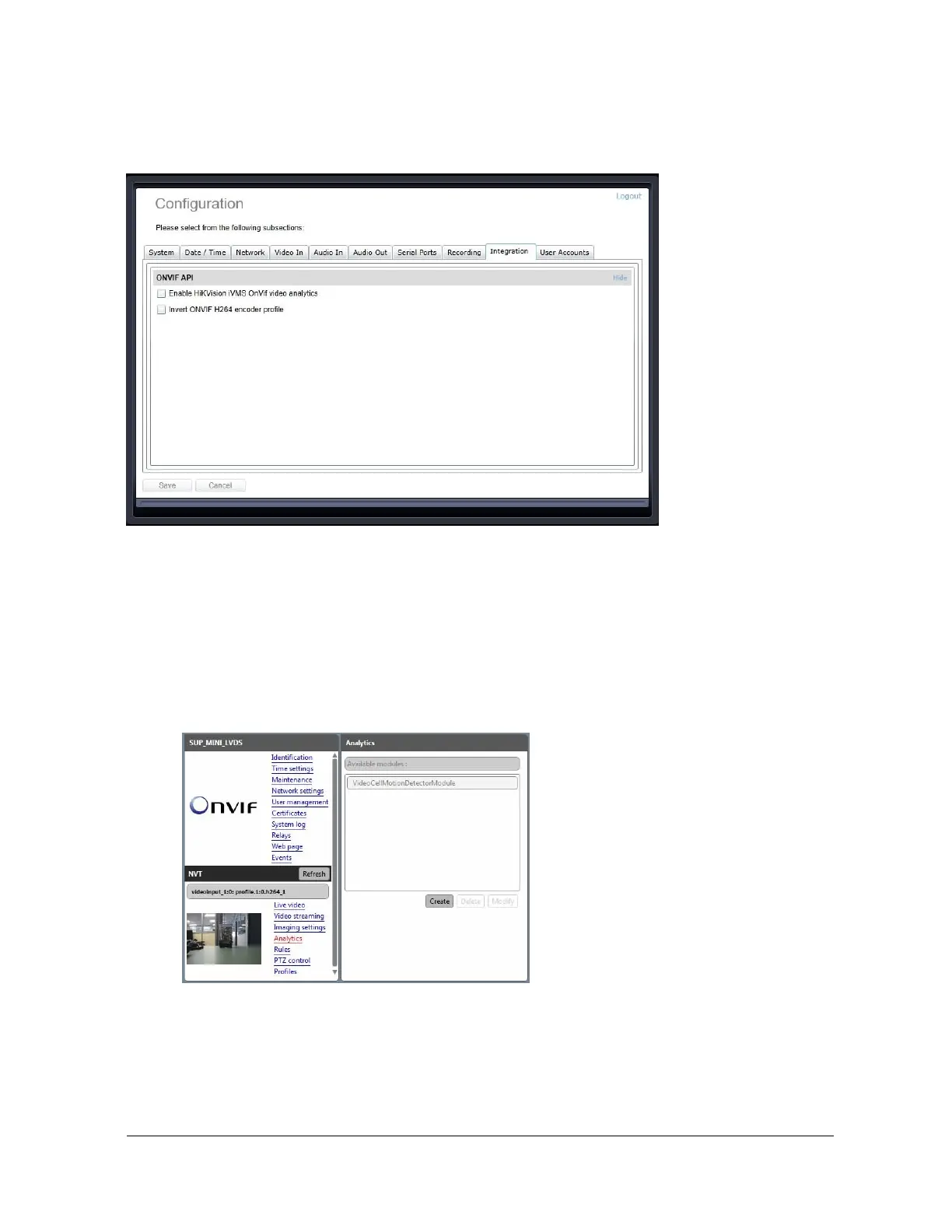
Configuration / Integration
Under the Configuration section, select the Integration tab to perform one of the following
operations:
x Enable HikVision iVMS OnVif video analytics – This enables the integration with the
HikVision iVMS by leveraging the OnVif Video Analytics feature (more specifically the
VideoCellMotionDetectorModule); more details on how to use this integration can be
found in the dedicated article on the Support Center - Knowledge Base
x Invert ONVIF H264 encoder profile - This will invert the profile number for the two
H.264 profiles that the encoder exposes to a VMS; for instance H.264_1 will actually be
recognized by the VMS as Profile 2, while H.264_2 will become Profile 1 for the VMS



 To Next Page