2. Modify any rule parameters in the right window.
3. Click the Save button to save changes.
To delete a notification rule:
1. Select the notification rule from the list.
2. Click the Delete button.
3. A confirmation window will appear to confirm deletion. Click Yes.
Available notification rule parameters are as follow:
x Name: friendly name of the notification rule.
x Trigger / Source: event which will trigger the notification rule.
x Trigger / Schedule: time range in which the rule will be active. Note that this time is in
UTC timezone format.
x Send Email / Include Thumbnail: Allows you to specify if an image capture should be
attached to the notification email.
x Send Email / To: Set the destination email address.
x Send Email / Subject: Set the email subjet line.
x Send Email / Comments: Set the email message body content.
Recording
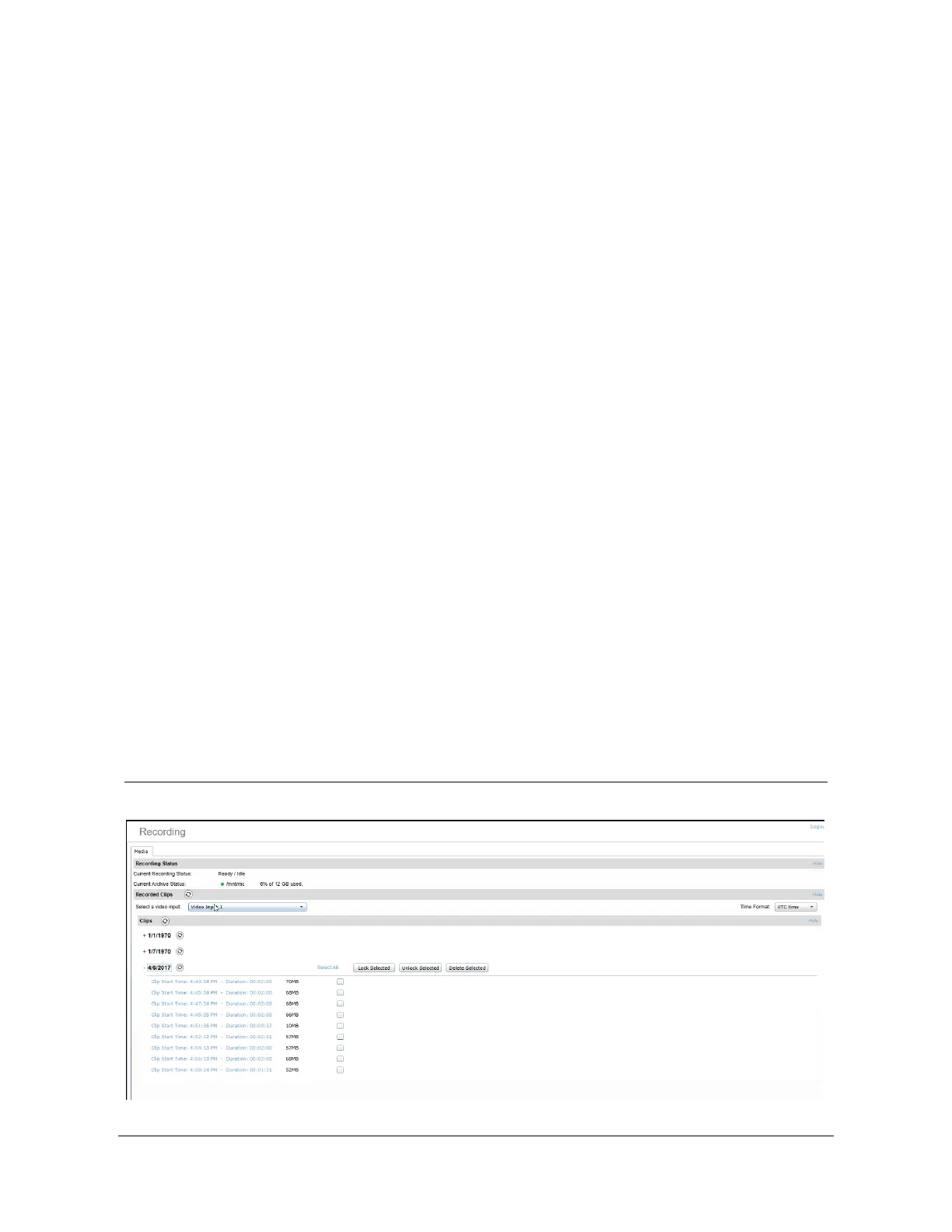
The recording page will display the current recording status and a list of recorded clips.



 To Next Page