Batch Firmware Update
This section describes how to perform a batch update of multiple ATOMAS-MINI devices to
newer firmware versions from the ICT.
The batch firmware update works by starting a firmware update session. Only one session at
time is allowed and only 20 devices can be selected by session.
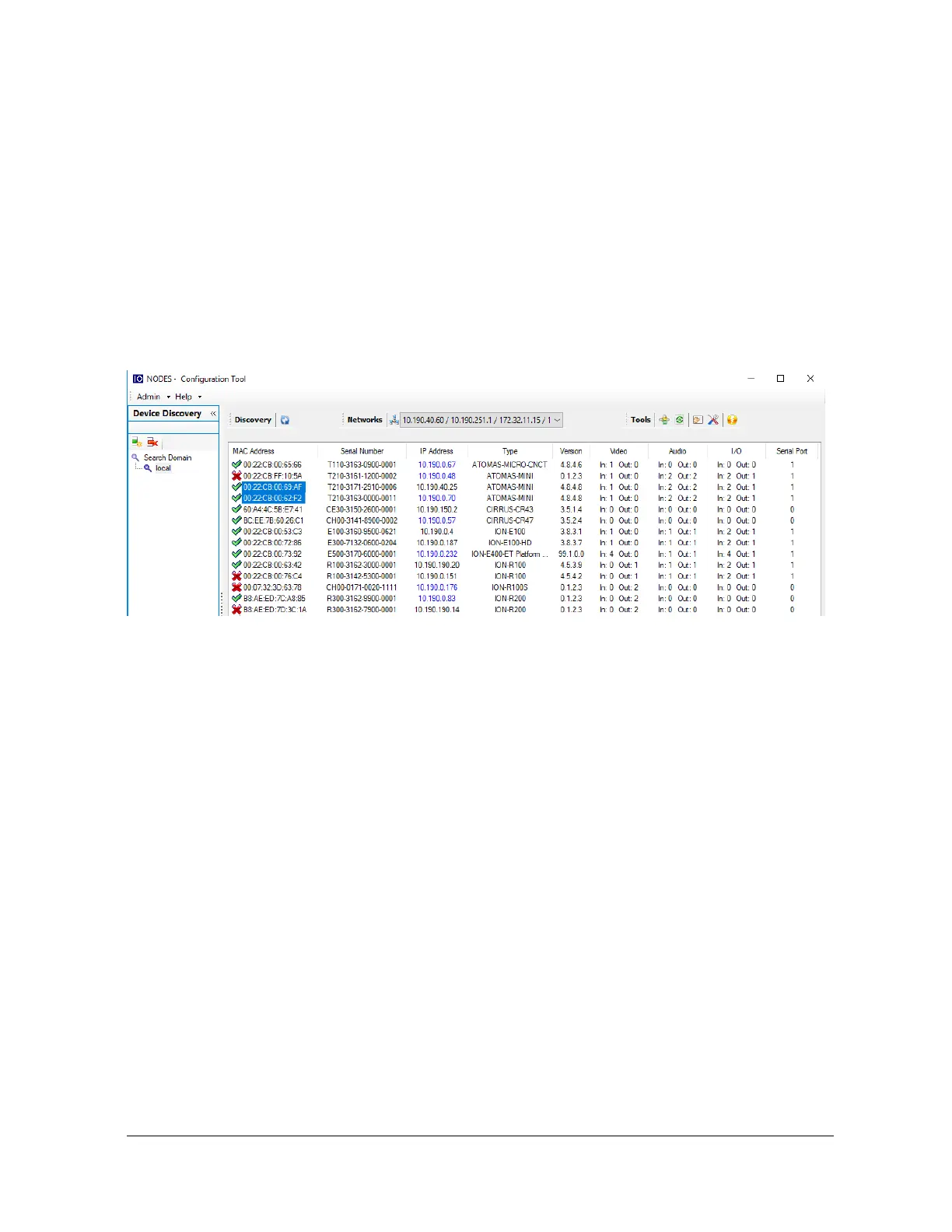
From the ICT, select one or more devices of the same type.
By using the right mouse button on the selected devices, choose the “Firmware Update” menu
option.



 To Next Page