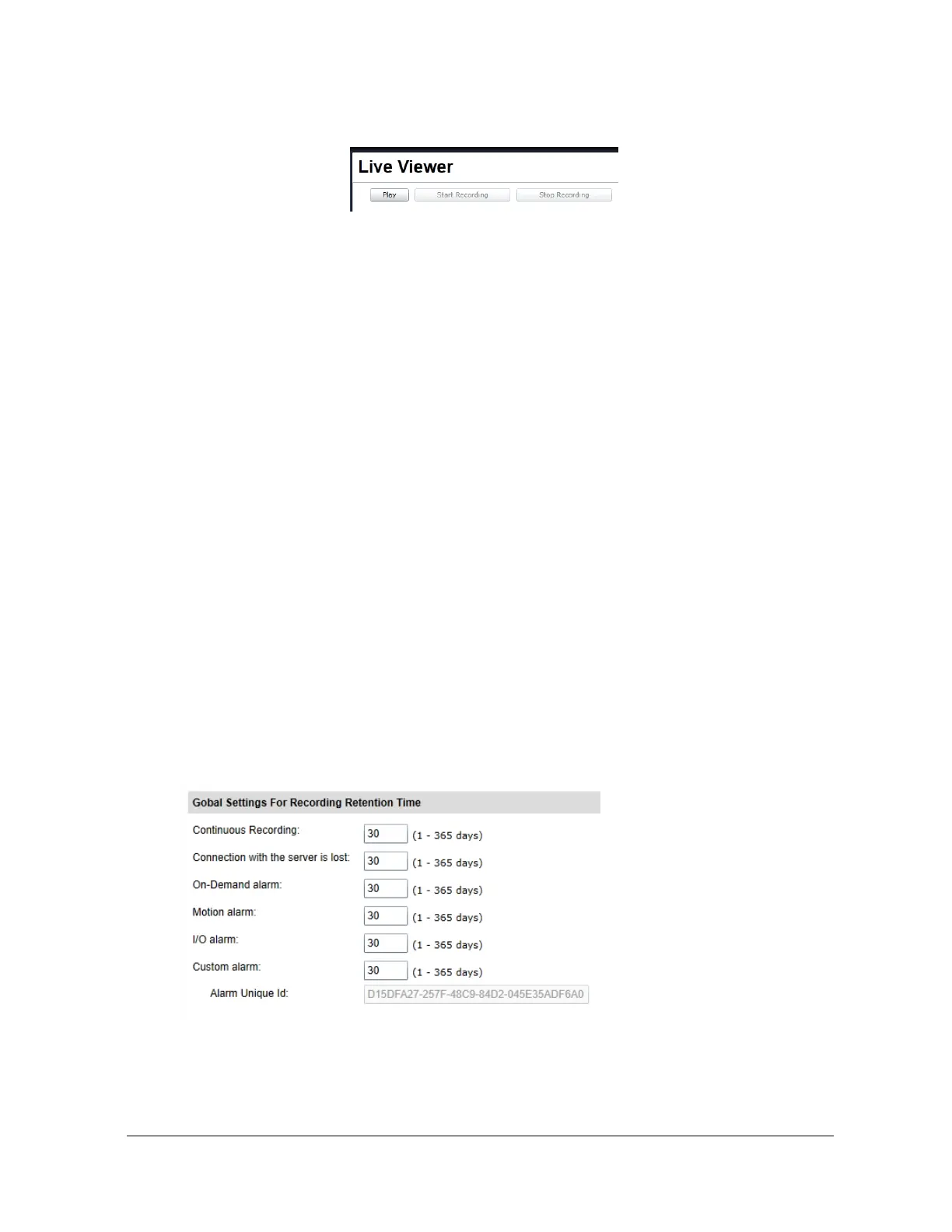
an on-demand recording.
x On-Motion event – Starts recording when a motion event is
triggered and Stops recording when no motion is detected.
x Custom alarm – Start / Stop recording when an ION API custom
alarm request has been received. When selected, a unique
identifier is generated and must be used when sending the ION
API request.
x Post-Alarm Recording Time – Specify the number of seconds
the recording must continue once the alarm is off.
o Use Global Settings for Recording Retention Time - If unchecked, specify
the retention time for this particular video input. Otherwise, the global settings for
recording retention time will be applied (see section “Global Settings for
Recording Retention Time” below).
o Force Immediate Deletion of Video After Retention Time – If checked, this
rule override any grooming rule and will delete a video file as soon as the
retention time has been reached.
o Mute Audio - Will not record any audio, but the live stream will not affected
x Global Settings For Recording Retention Time
Retention time in days by recording mode.



 To Next Page